Promotion
Door Calendar
An advent calendar for your store, or any countdown of days – Black Week, 12 days of Christmas, a launch week. Every door opens on its day by Shopify's clock; behind it a discount code to copy and apply, a product to add to the cart, or an offer. Visitors put the next door in their calendar, and in the theme editor a time slider shows you every day before it happens.
- Access
- Free
- Page types
- Home, Landing pages
- Compatibility
- All Shopify 2.0 themes*
- Styles
- 3
- Customise
- 104 settings · 1 block type
Installation
Takes about two minutes. No app needed.
- 01
Create a new section
In your theme code editor (Online Store → ⋯ → Edit code), click the sections folder, then “New File”, name it and hit Enter.
- 02
Paste the code
In the file that just opened, paste the code below. Then hit Save (top right corner).
Note: Shopify shows no confirmation when a section saves – that’s normal.
- 03
Add it in the theme editor
Saved? Then reload the theme editor – otherwise the new section sometimes doesn’t show up. After that: Edit theme → Add section → . Everything else is in the sidebar – the Docs below explain every setting.
Code
One file. Copy it, paste it, done.
Free – just add your email
Every section is free during launch. Enter your email once and copy any code you like.
Already signed up?
More like this
Docs
Every setting, what it does and where you see it. Plus how the doors keep their secret until their day.
What you can change
Every numbered spot has its own chapter below.
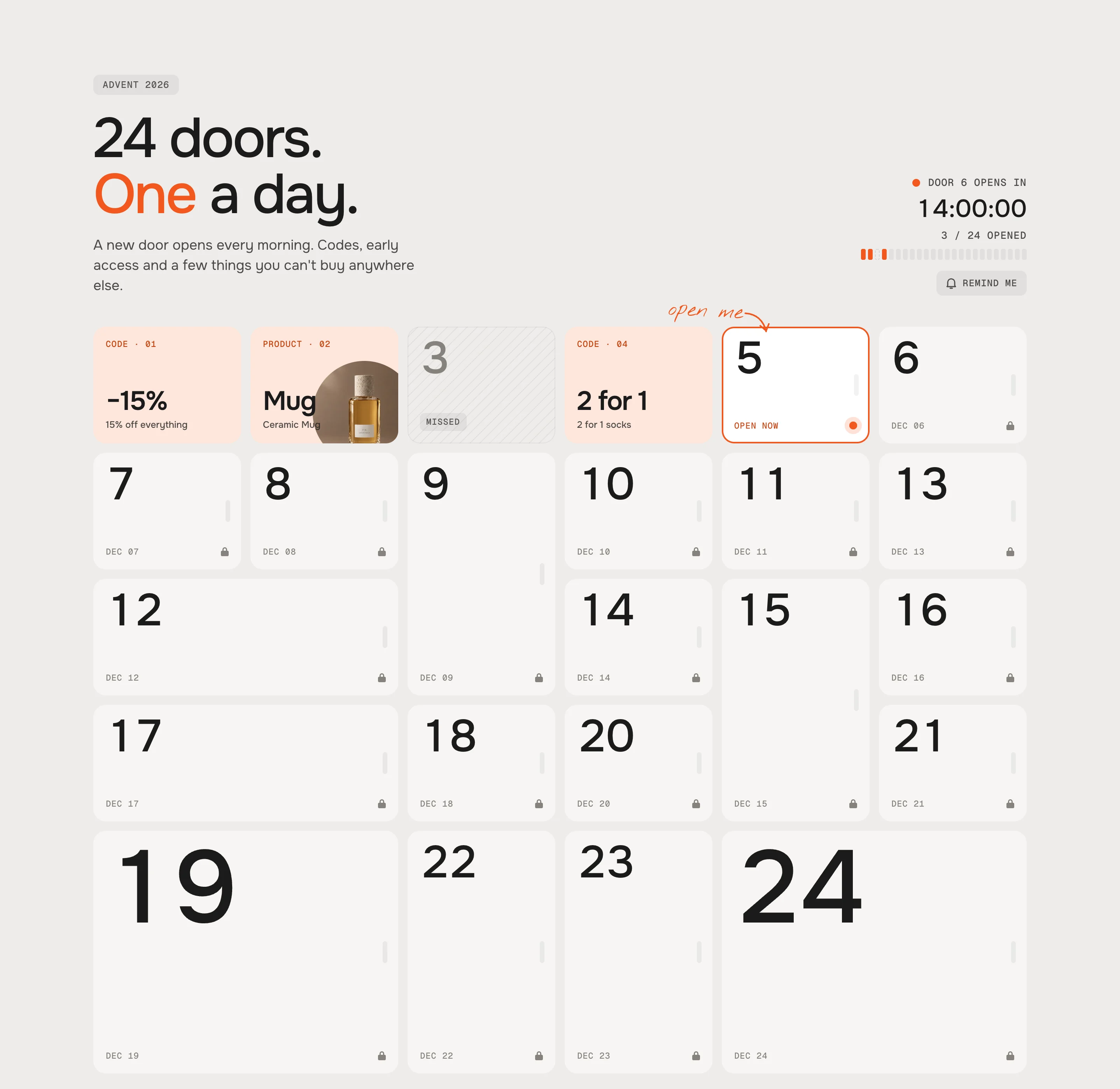
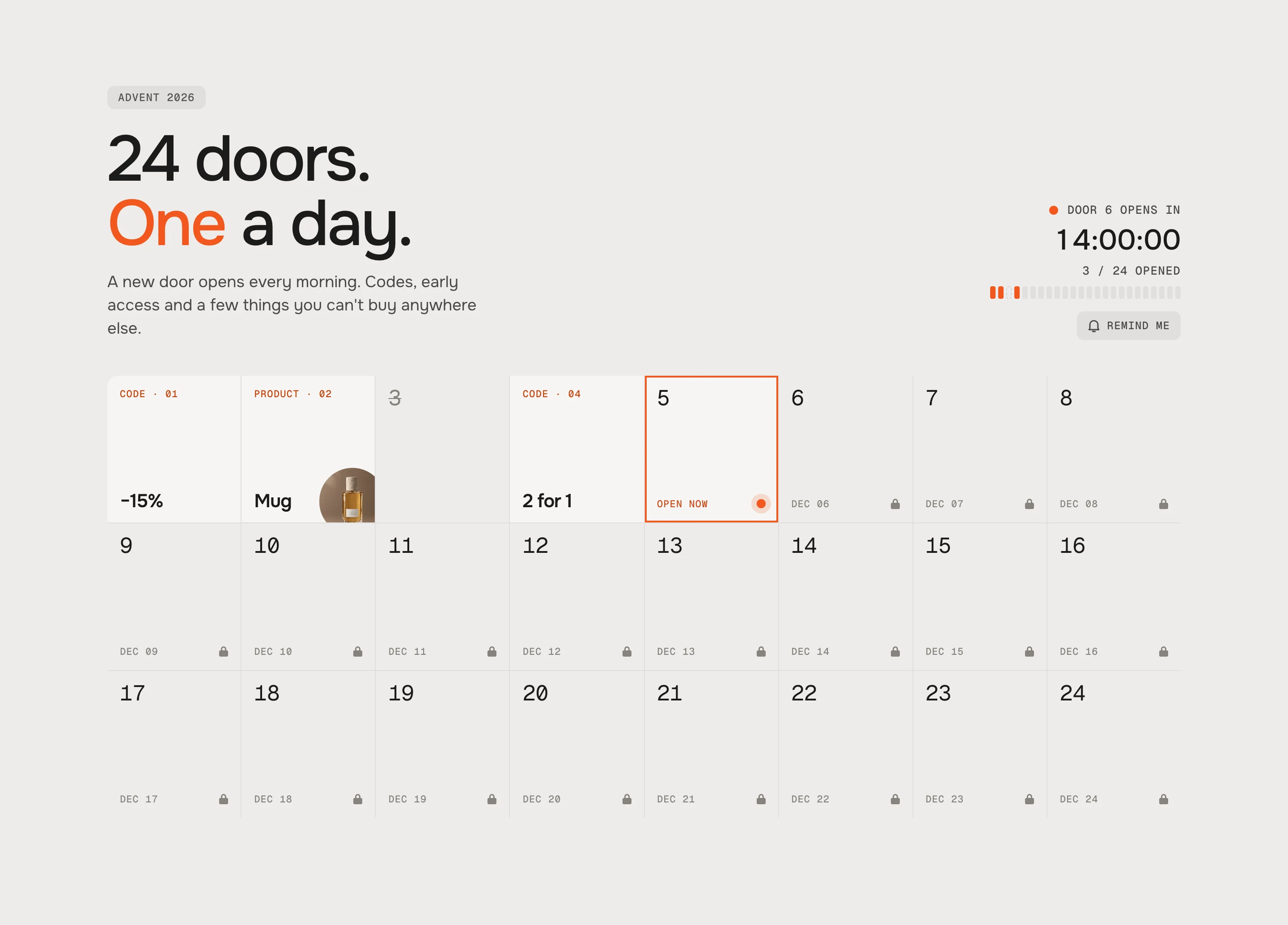
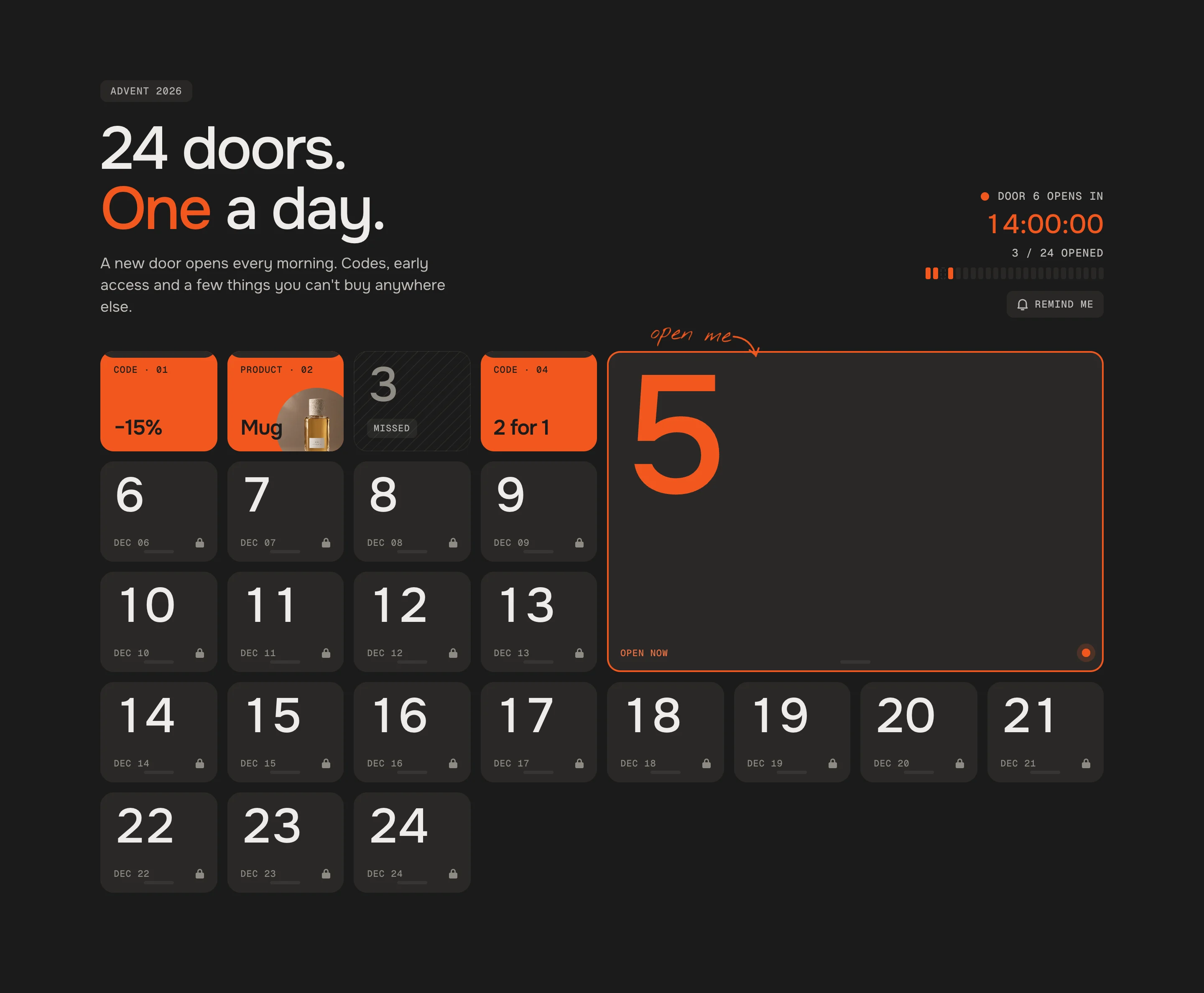
- 1
Add the section
Edit theme → open the page → Add section → – Classic, – Minimal or – Bold. It comes with 24 doors. - 2
Set the start
Section settings → Start date, e.g. , and the Opening time. Door 1 opens then, every next door a day later. Until you enter a date the section shows a demo with door 5 open today. - 3
Create the codes
In Shopify → Discounts, create every code you put behind a door – with a start and an end date that match the door's day. - 4
Fill the doors
Open each Door block: what's behind it, the short text on the open door, title, text and the code, product or link. Save.
- 1
Start date
Default · EmptyThe day door 1 opens. Every next door opens one day later at the same time – also across a daylight saving change. A door's Own date wins over this.
Opening time
Default · 00:00HH:MM, 24 h.
Time zone
Default · My store's time zoneEither way visitors see every time in their own zone, with “your time” next to it. The doors follow Shopify's server clock, not the visitor's device – a wrong clock can't open a door early.
UTC offset
Default · UTC · London (winter)A fixed offset doesn't switch for daylight saving. For December in Europe pick the winter offset.
Each door is open
Default · For 24 hoursTime slider in the theme editor
Default · OnOnly in the theme editor. Visitors never see it. Now jumps back to the current time, Reset also closes every opened door.
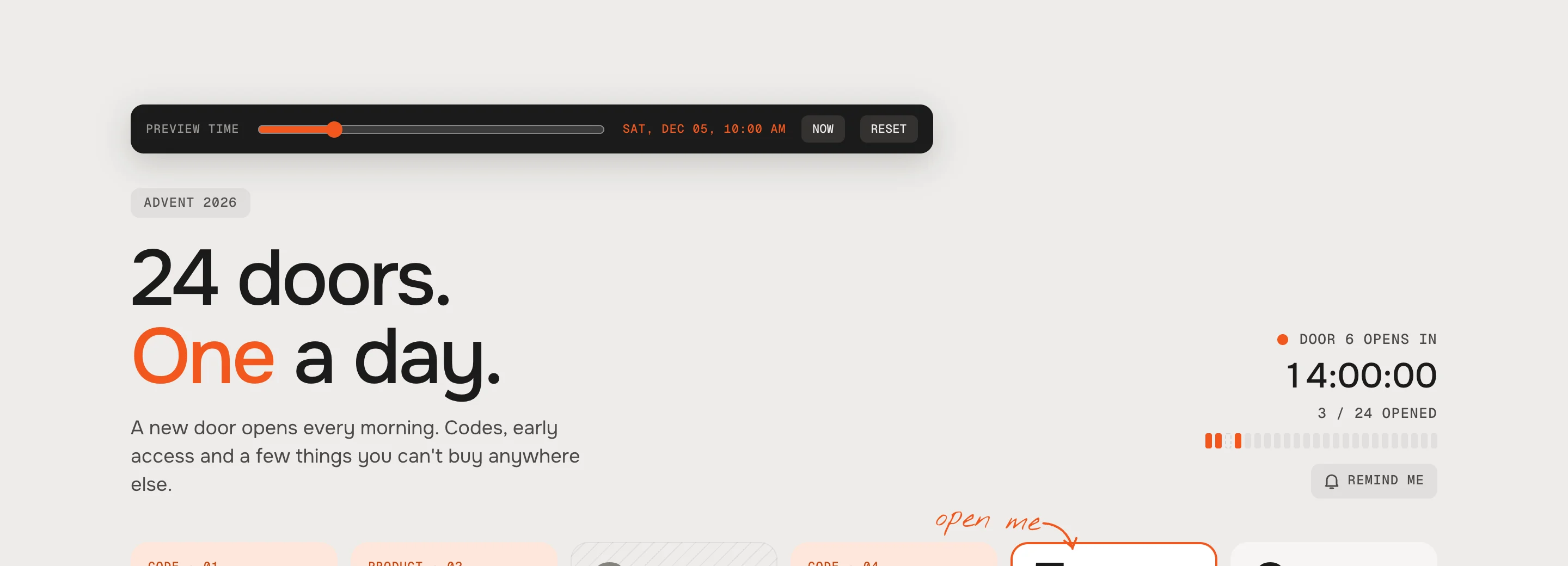
Drag through the calendar – the countdown and every door follow Time slider on the page (demo only)
Default · OffFor a showroom or a landing page that shows off the calendar before it starts: visitors get the slider too and can try any day. It only appears while the start date is empty – as soon as you set one, the section is a real calendar and the slider is gone.
Time slider label (demo)
Default · Try any dayTime slider: reset (demo)
Default · ResetNext to Now in the slider bar. Reset closes every door the visitor opened – also the ones opened at the real time – and goes back to now, so the calendar starts fresh. In the theme editor the bar has Reset too.
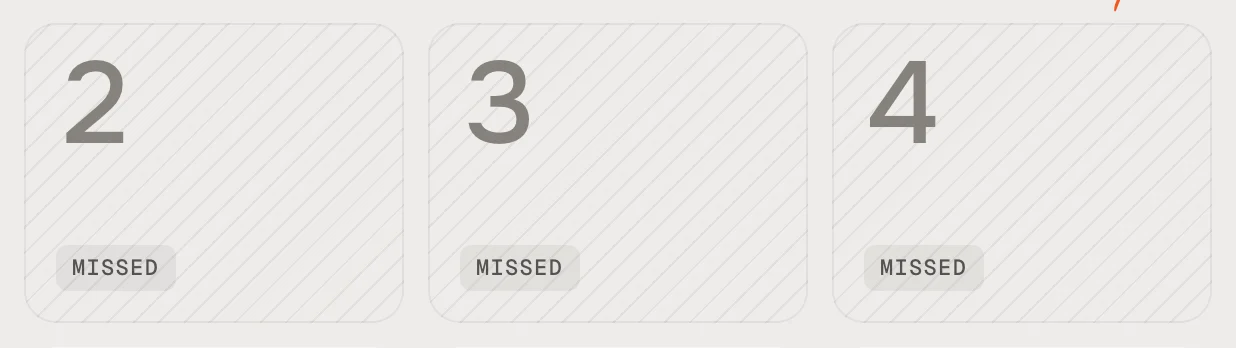
MissedMissed – hatched, no content 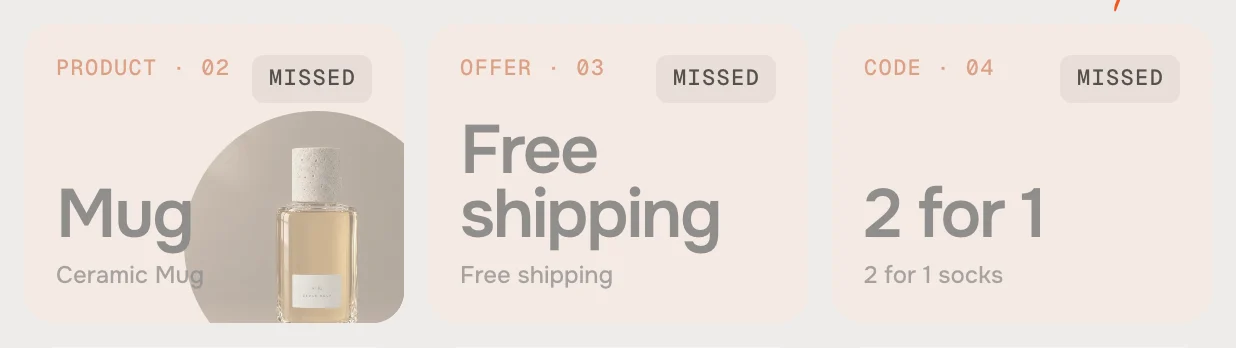
Missed, content visibleMissed, content visible – behind a veil 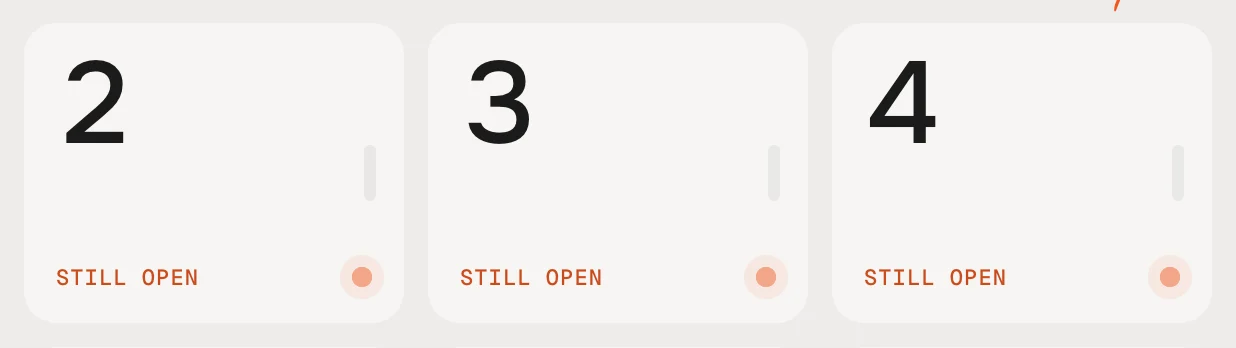
Stays openStays open – until the last door 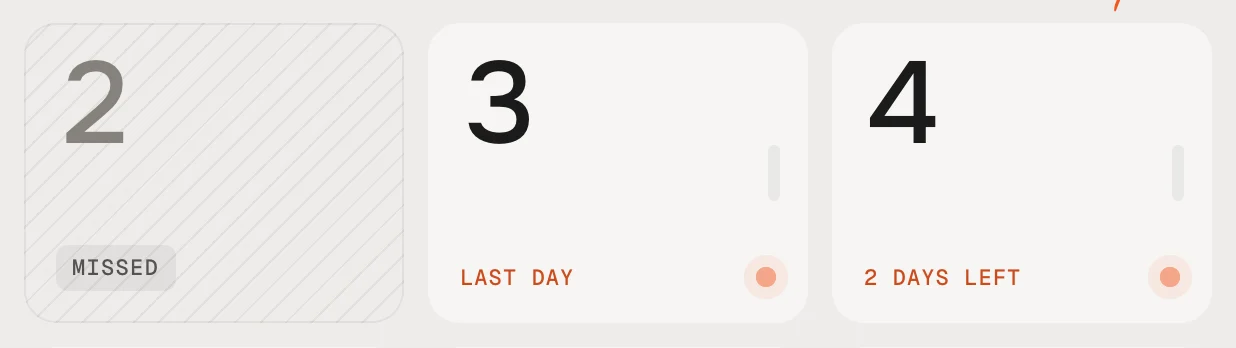
Catch upCatch up – a few days more After its day
Default · MissedDoors a visitor already opened always stay open for them.
Catch-up days
Default · 2dDoor
SettingWhat it doesBehind the doorDiscount code, Product or Offer – see RewardsShort text behind the doorBig on the open door, e.g. −20%, Free shippingTitle, TextThe reward's title and textOwn dateYYYY-MM-DD HH:MM – for a door that doesn't follow the start dateHintA handwritten hint on the locked doorSizeClassic only: Normal, Wide, Tall, Big Only in ClassicPicture behind the doorInstead of the color behind itPicture on the doorE.g. an illustration on the closed doorDoor color, Behind the doorColors for this door only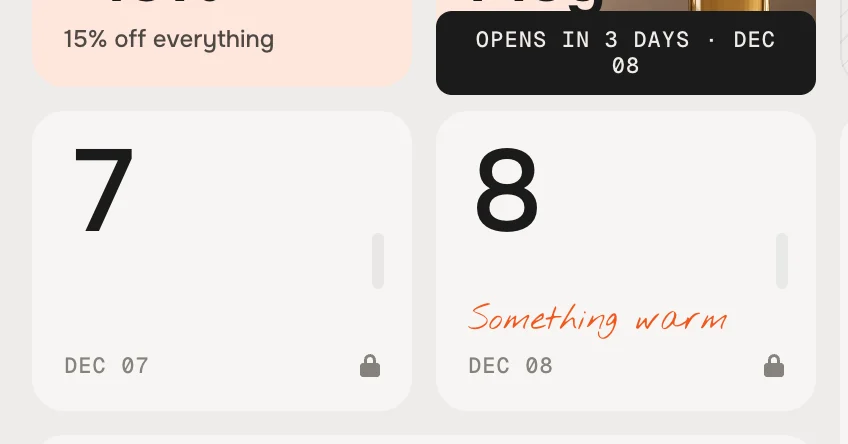
A locked door shakes and says when it opens – with Show hints, its Hint shows in handwriting Door order
Default · In orderScattered mixes the doors like a real advent calendar. The order is fixed per section – everyone sees the same calendar, every visit.
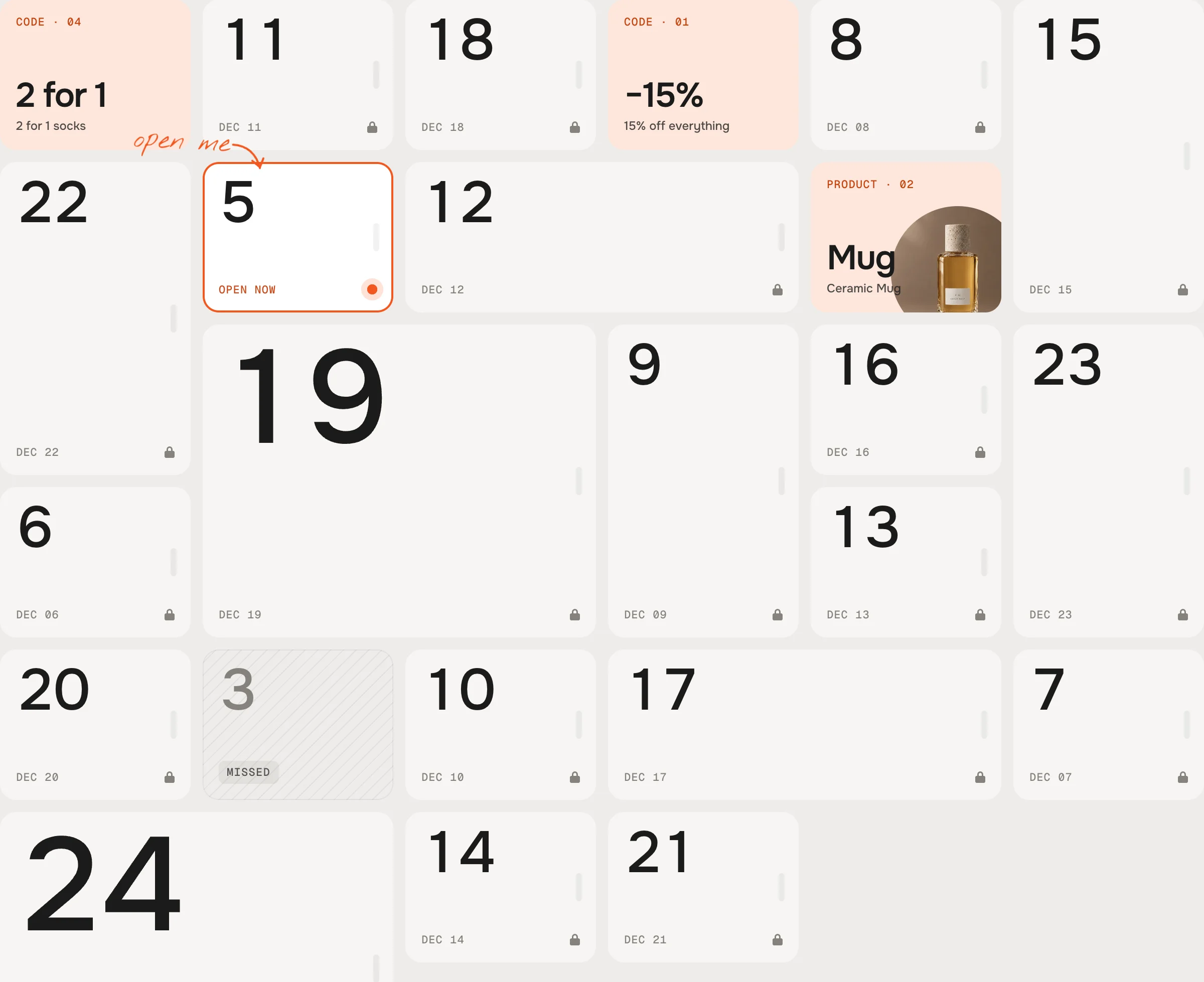
Scattered, Classic Show hints on locked doors
Default · OnSmall doors (phones, Minimal) show only the number and the date.
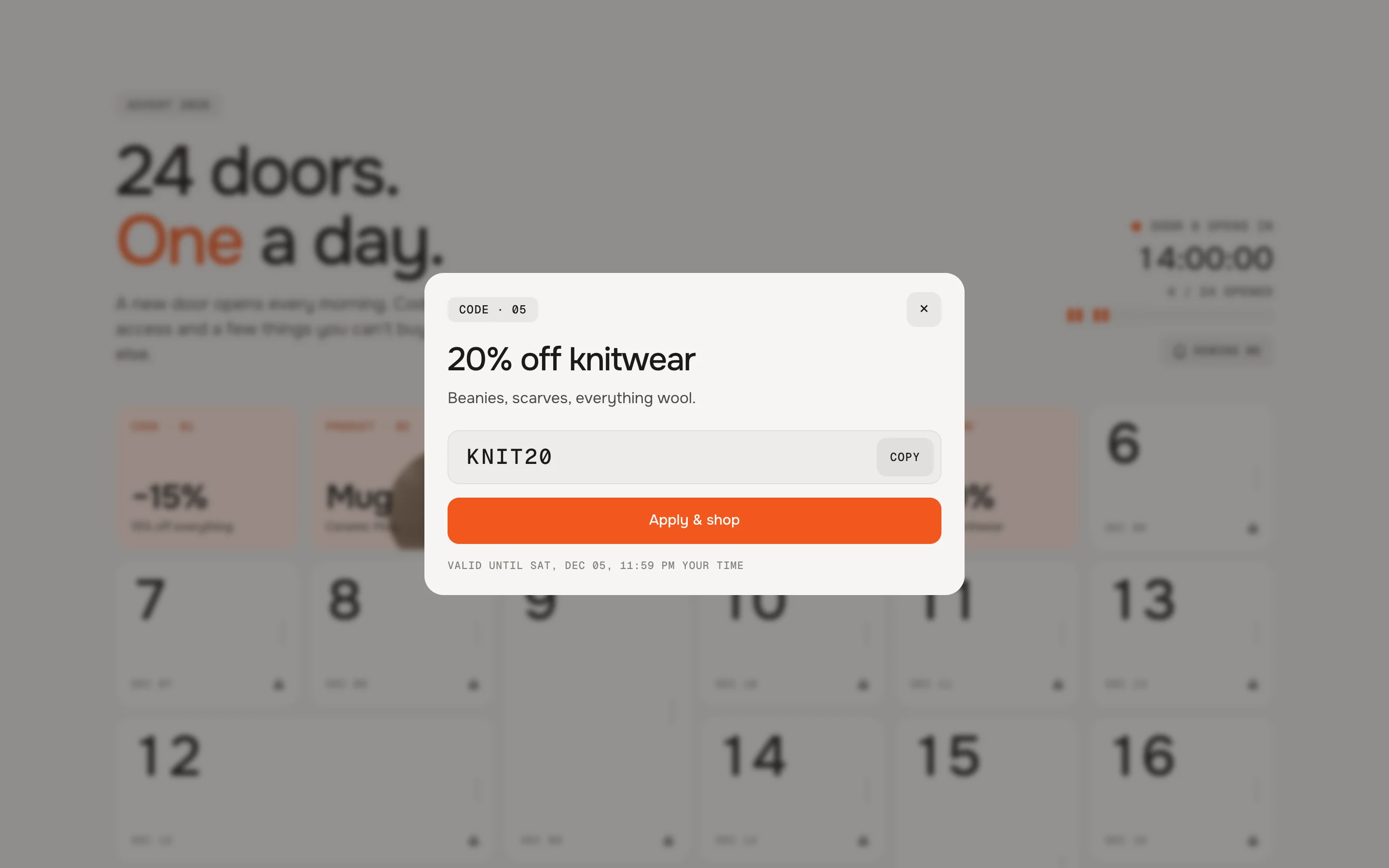
Discount codeDiscount code: copy, or apply and shop 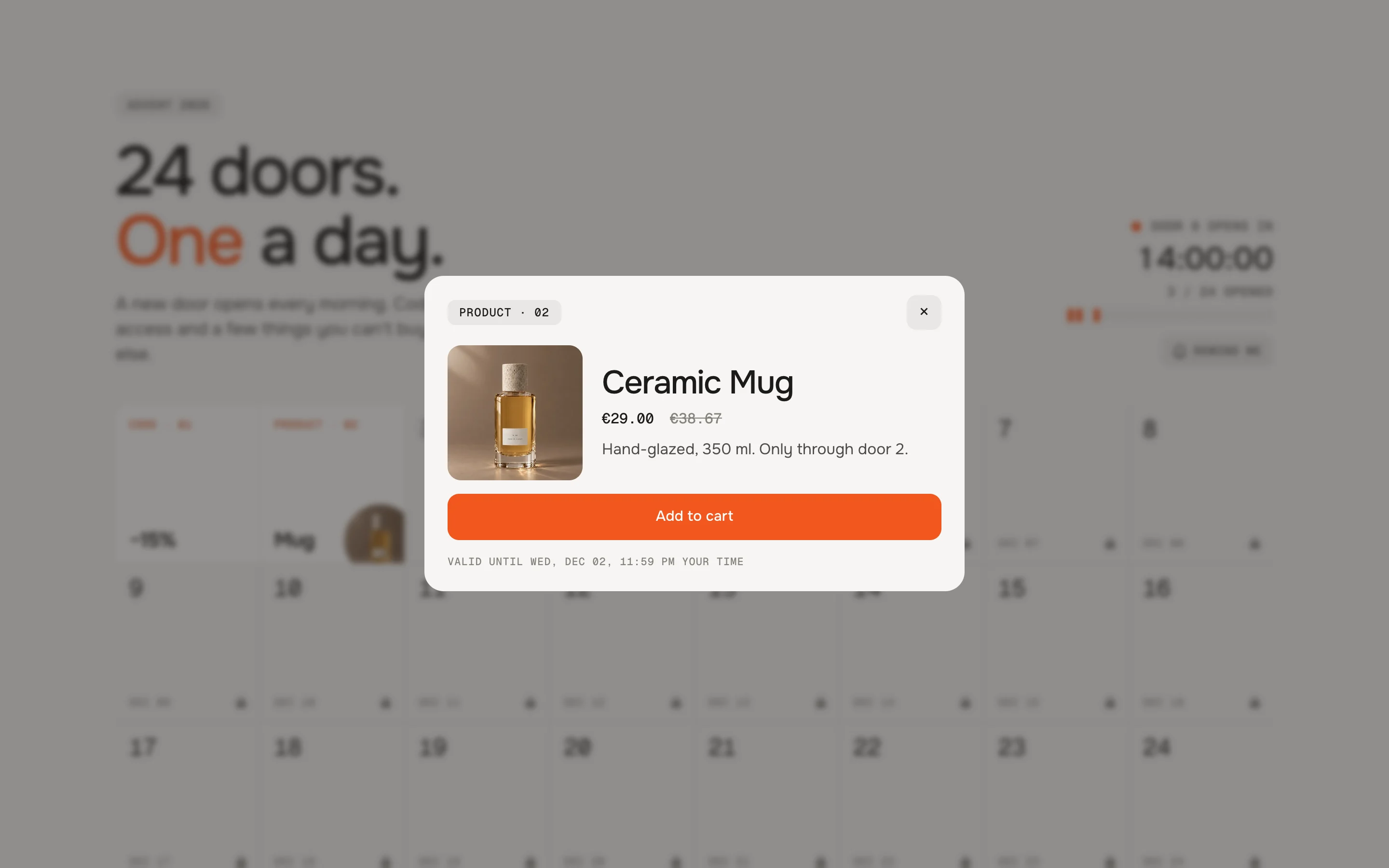
ProductProduct: options and Add to cart 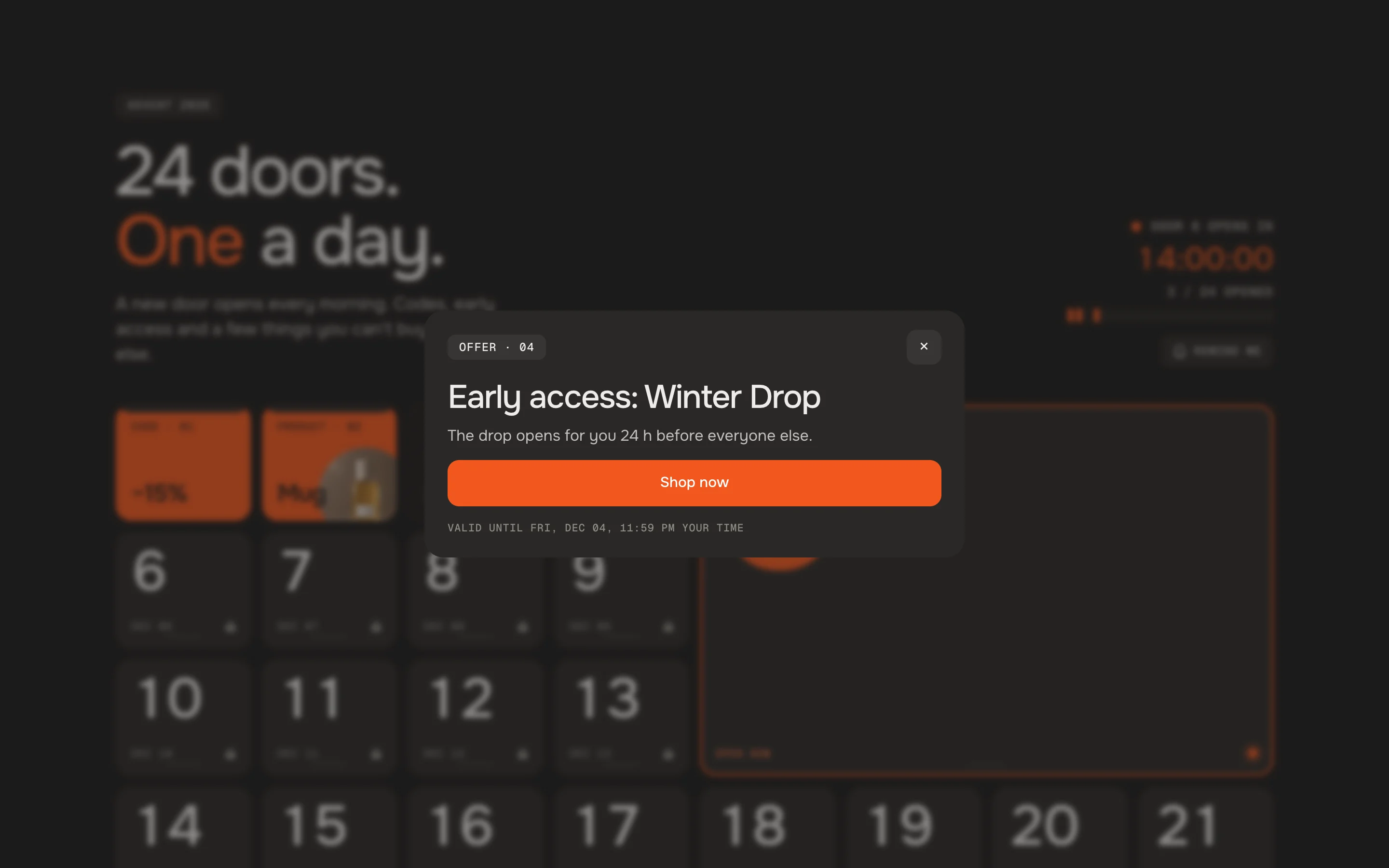
OfferOffer: text and a link Discount code
Copy puts the code on the clipboard. Apply & shop opens – Shopify stores the code for the checkout and sends the visitor on to After applying, go to (empty: all products). Under the code: until when it's valid, in the visitor's time.
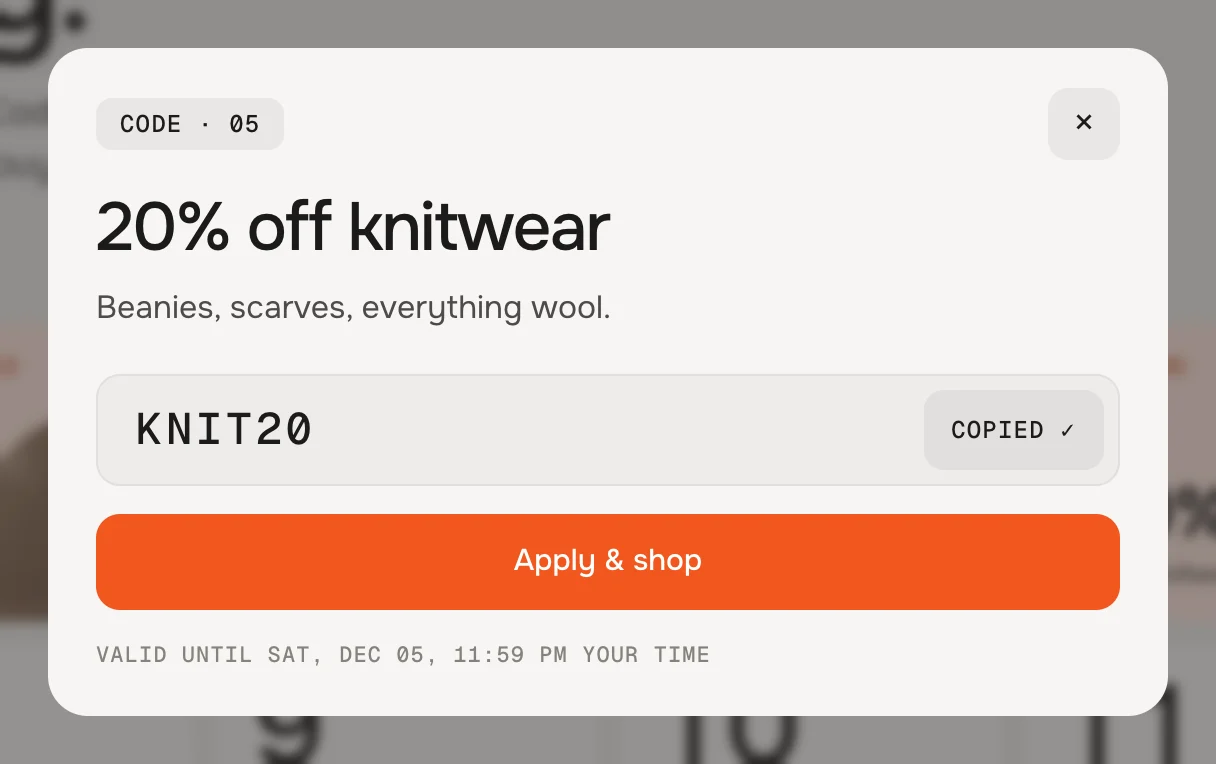
After Copy the button says Copied and a short note confirms it Product
The product's picture, price and compare-at price. Products with options get a select – sold-out ones can't be picked. Add to cart adds it without leaving the page; your theme's cart count updates. Without a product the door shows a demo product.
Offer
Title, text and a button with your link and label – e.g. early access, free shipping, double points.
Eyebrow
Default · Advent 2026Heading
Default · 24 doors. *One* a day.A new line breaks the heading, words between stars take the accent colour – the preset writes
Text
Default · A new door opens every morning. Codes,…Countdown to the next door
Default · OnCounts down to the next door: Door 6 opens in 13:59:59, with days in front when it's more than a day. After the last door: After the last door (Texts).
Doors opened
Default · On“3 / 24 opened” and a bar per door: filled for opened, dashed for missed.
Handwritten note at today's door
Default · OnDesktop only, in Classic and Bold – it points at today's door and moves with it.
Note
Default · open me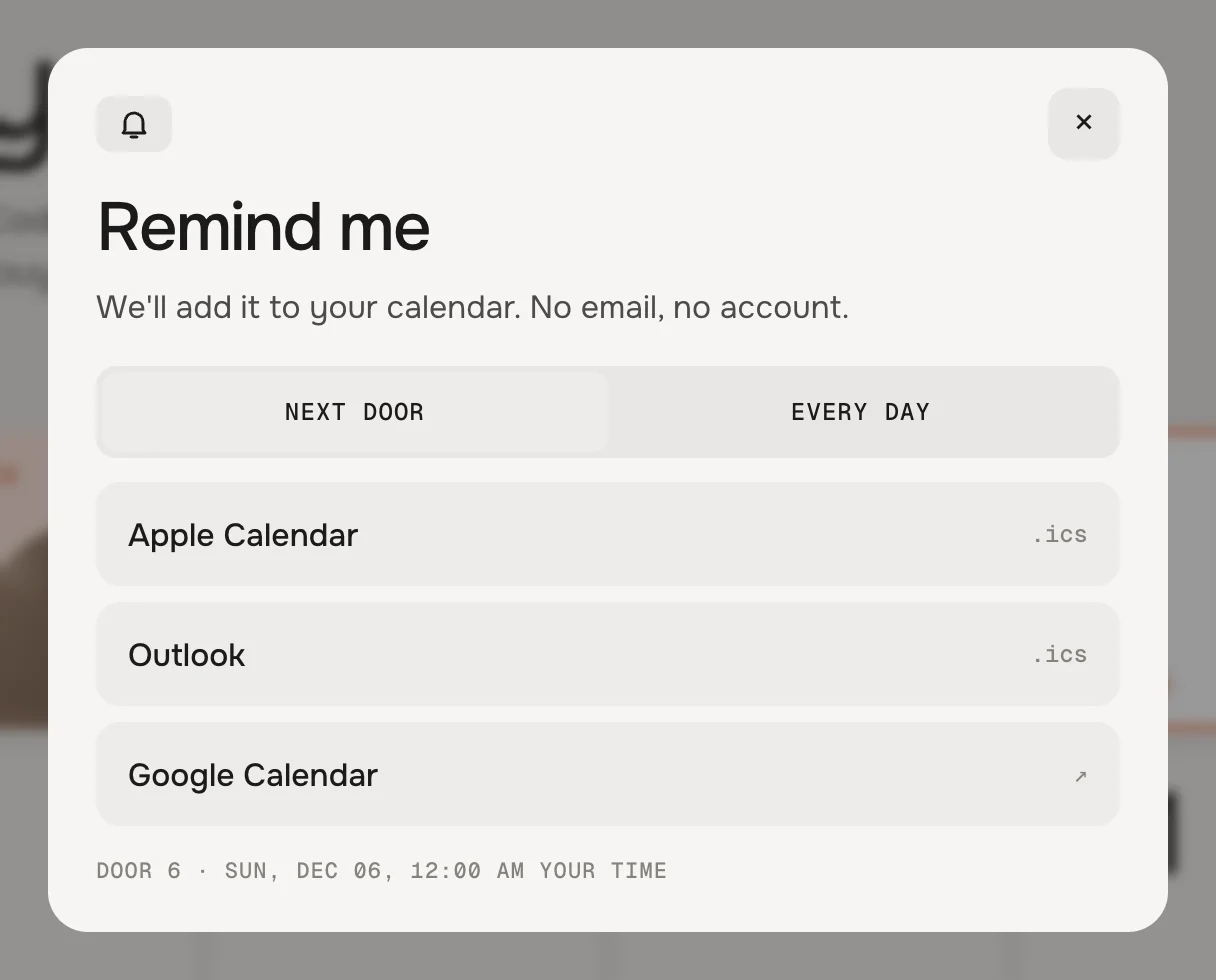
Apple Calendar and Outlook download an .ics file, Google opens a prefilled entry Remind me button
Default · OnThe button disappears after the last door has opened.
Remind of
Default · Visitor chooses: next door or every dayCalendar entry: title
Default · Door [n] is open[n] becomes the door's number.
Calendar entry: text
Default · EmptyThe link to this page is added.
Calendar entry: alert
Default · When the door opensApple Calendar and Outlook ring then. Google uses each person's own default reminder.
Look
Default · Classic – doors swing open, mixed sizesOpen by
Default · Door (look's animation)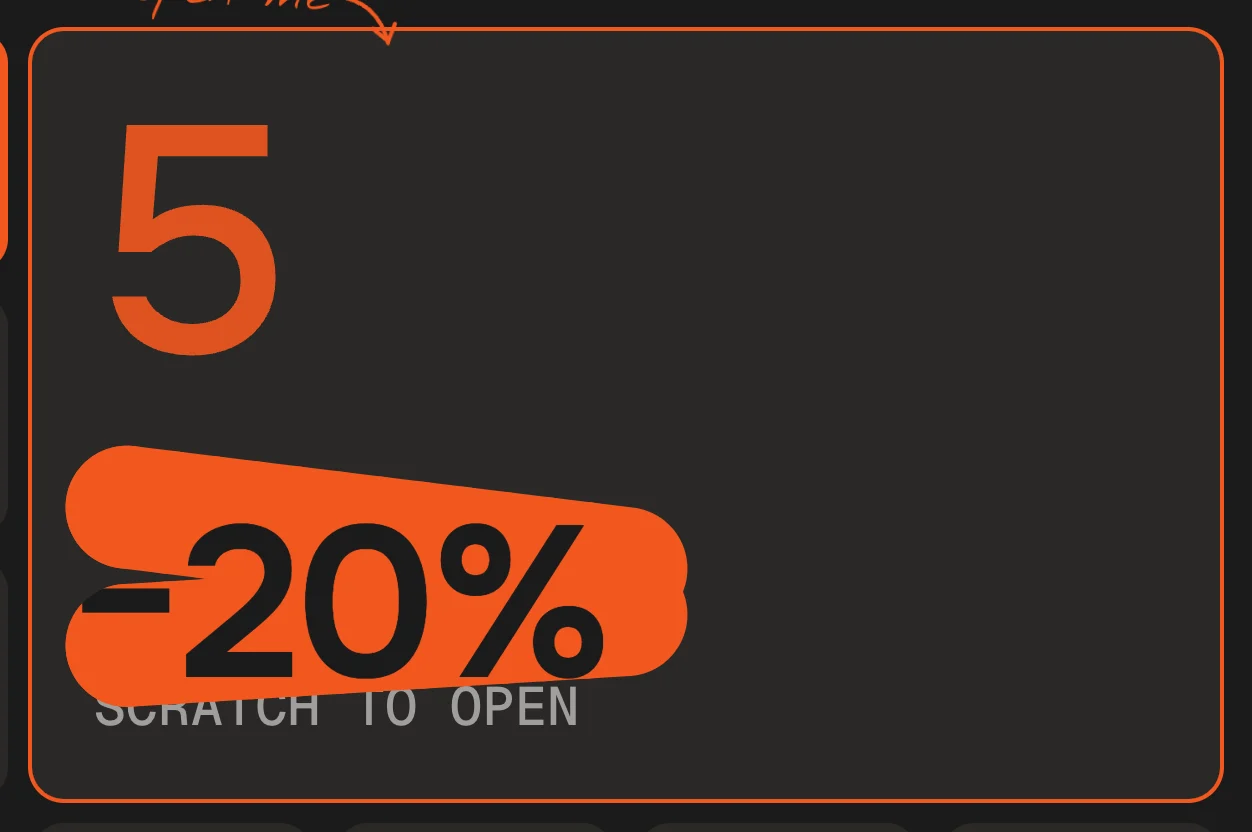
Bold with Scratching: the code shows through where the layer is gone - [n]The door's number, the days or the doors openedDoor [n] opens inDoor 6 opens in[total]The number of doors[n] / [total] opened3 / 24 opened[date]The door's date in the visitor's languageOpens in [n] days · [date]Opens in 3 days · 08 Dec[time]A time in the visitor's zoneOpens at [time]Opens at 18:00
Fonts
Default · Design fontsOnest, Geist Mono and the handwriting Nothing You Could Do from werk's CDN – or Use theme fonts, which swaps every font at once. Or swap each one with its own URL: Self-hosted font URL replaces Onest; Label font URL replaces Geist Mono (labels and codes); Handwriting font URL replaces Nothing You Could Do (note and hints). Empty keeps werk's font.
Colors
Default · Design colorsBackground, door, today's door, text, muted text, accent, behind the door and its labels – the Bold preset starts dark. Or Use theme colors, which takes the colours of the page around the section. Button and Button text give the buttons their own colours – empty keeps the design. Every door can have its own colours too.
Buttons
Default · CleanUse theme buttons gives the buttons your theme's style. Button style sets how they react on hover.
Animations & easing
Default · On · werk SignatureDoors swing, flaps fold, shutters roll, the dot pulses. Visitors who turned on “reduce motion” see the doors open without movement. Easing sets the feel of every movement.
werk SignatureSlow start, soft landing SmoothEven and quiet BounceA small overshoot SnapQuick start, gentle stop GlideSlow in, slow out Padding top
Default · 96pxSide padding
Default · Match themeMatch theme (the default) lines the section up with your theme's page margin – in Horizon the same edge as header and footer. Themes without one, like Dawn, keep the werk edge. werk default always uses the werk edge, Custom takes your own values in px (desktop and tablets / phones), None runs the content to the edge.
Desktop · Classic 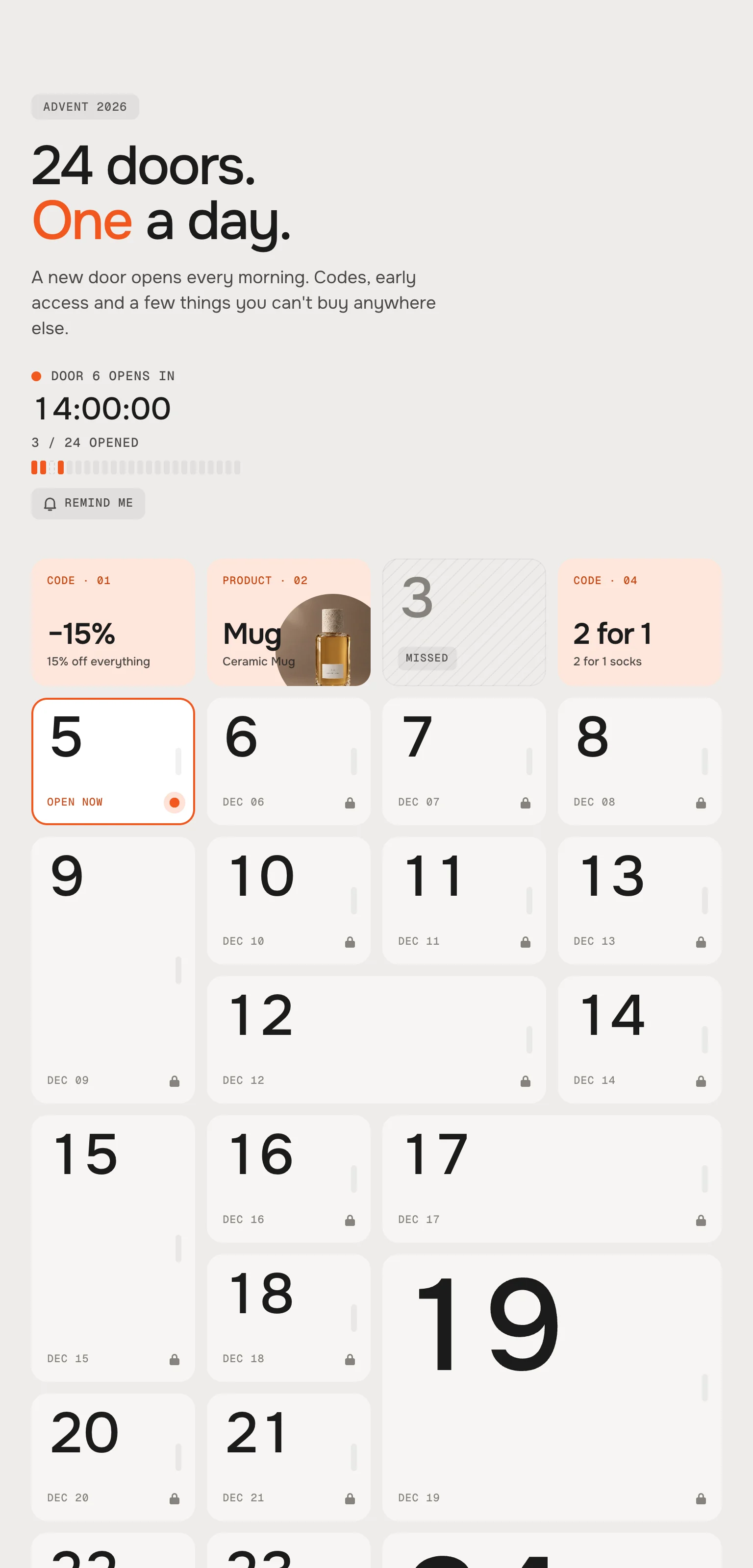
Tablet 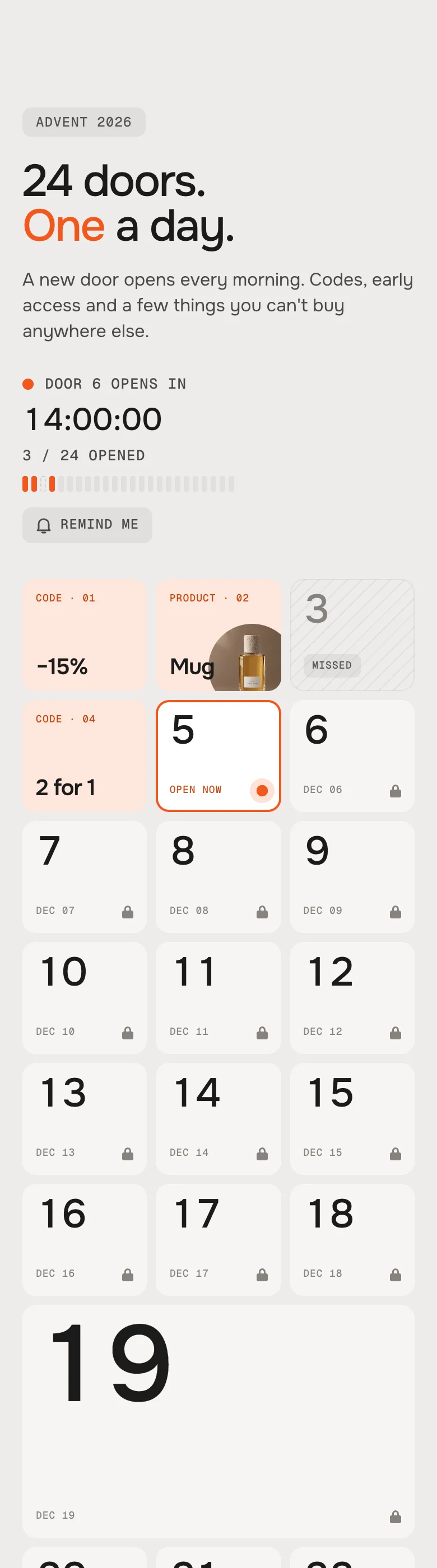
Phone DesktopPhoneHeadCountdown rightCountdown under the textSizes (Classic)Normal, wide, tall, bigBig spans the width, the rest is normalRewardCard in the middleSheet from the bottomNoteNext to today's doorHidden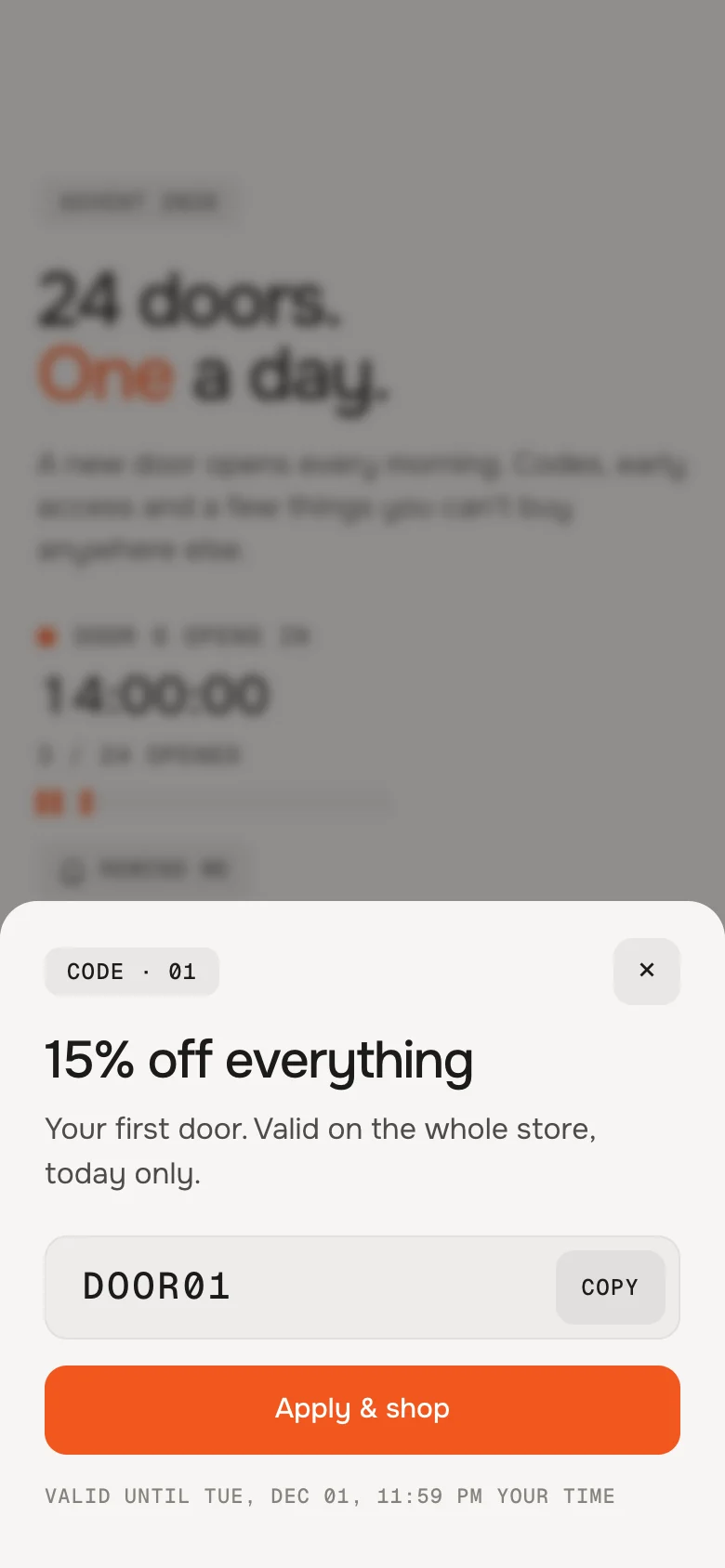
On a phone the reward slides up as a sheet No peeking in the source
A door's content is only in the page once its day has come – codes can't be read early. If a page was cached before a door opened, the section fetches the door fresh at the moment it's opened.
One clock for everyone
The doors follow Shopify's server time, not the visitor's device. Times show in each visitor's own zone.
Opened is remembered
Which doors a visitor opened is kept in their browser – on another device they start fresh. Nothing is stored on your side.
Not only December
Any number of doors from 1 to 50, every day or on your own dates: Black Week, 12 days of Christmas, a launch week.
AI label
Using an AI-generated picture behind or on a door? Switch on AI label under that picture and pick a corner. The text and the look – pill, info dot or upright along the edge – are set once for the whole section, under AI label.
Horizon4.2TestedCart count updates liveDawn16TestedCart bubble updates liveDoor 5 is open but my start date is in December.
The start date is empty or not in the format YYYY-MM-DD – then the demo runs. The theme editor shows a note.
The doors open an hour off.
Check Settings → General → Time zone, or the UTC offset with Custom – a fixed offset doesn't follow daylight saving.
The code doesn't work at checkout.
The section only shows it. Create the code under Discounts, and check its start and end date and its conditions.
I opened a door while testing and now it stays open.
Opened doors are remembered in the browser. Open the page in a private window, or use the time slider in the theme editor – it never remembers anything.
A picture is cropped badly.
Set its focal point in Content → Files (or on the product) – the section keeps it in view.
- NewReset in the time slider bar – closes every door that was opened (also at the real time) and goes back to now. Label for the demo slider: Time slider: reset.
- NewTime slider on the page (demo only). While the start date is empty, visitors can drag through the calendar too – for showrooms and landing pages. A real calendar never shows it.
- NewFirst stable release, tested in Horizon and Dawn.
- NewDoors that open by date, with a discount code, a product or an offer behind each. Three looks: Classic, Minimal, Bold.
- NewShopify's server time; your store's time zone or a fixed UTC offset; an own date per door; open for 24 hours or until the next door.
- NewAfter its day: missed, missed with the content visible, stays open, or catch up for a few days.
- NewScattered order, open by door or by scratching, handwritten hints on locked doors, remind me (.ics and Google).
- NewTime slider in the theme editor.
* Built for Online Store 2.0 and tested in Shopify's Horizon and Dawn themes. Heavily customised or older themes can still clash with it – if something looks off, write us and we'll take a look.