Promotion
Scratch Card
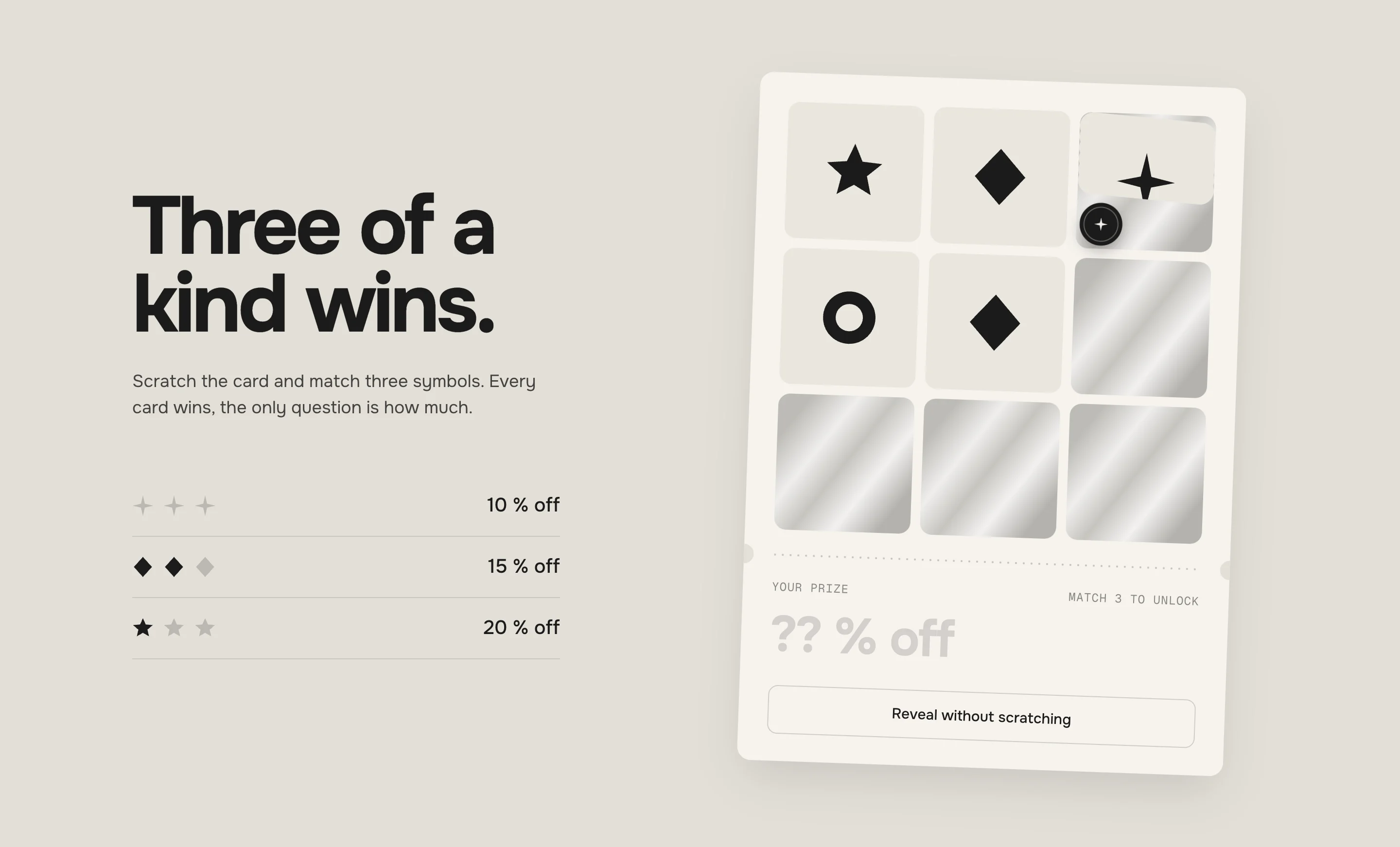
Nine fields under silver foil. Visitors rub them free with the mouse or a finger, and three matching symbols unlock a discount code to copy or apply with one tap. You set the prizes and their chances, the browser remembers each visitor's card – and if you want an email for it, the card asks before scratching or right before the code.
- Access
- Free
- Page types
- Home, Landing pages
- Compatibility
- All Shopify 2.0 themes*
- Styles
- 1
- Customise
- 60 settings · 1 block type
Installation
Takes about two minutes. No app needed.
- 01
Create a new section
In your theme code editor (Online Store → ⋯ → Edit code), click the sections folder, then “New File”, name it and hit Enter.
- 02
Paste the code
In the file that just opened, paste the code below. Then hit Save (top right corner).
Note: Shopify shows no confirmation when a section saves – that’s normal.
- 03
Add it in the theme editor
Saved? Then reload the theme editor – otherwise the new section sometimes doesn’t show up. After that: Edit theme → Add section → . Everything else is in the sidebar – the Docs below explain every setting.
Code
One file. Copy it, paste it, done.
Free – just add your email
Every section is free during launch. Enter your email once and copy any code you like.
Already signed up?
More like this
Docs
Every setting, what it does and where you see it. Plus how the card draws its prize and why the third match always comes last.
What you can change
Every numbered spot has its own chapter below.
- 1
Create the codes
In Shopify → Discounts, create a discount code for every prize – e.g. , and . Once per customer is a good start. - 2
Add the section
Edit theme → open the page → Add section → . It comes with three prizes. - 3
Fill the prizes
Open each Prize block: the prize as it should read („15 % off“), the discount code exactly as in Shopify, and its chance. Save.
- 1
Every card wins
When the card is drawn, the browser picks one prize – by the chances you set. Its symbol lies three times on the card, every other symbol at most twice.
The third match comes last
The symbols land on the fields only while they are being rubbed. So the third match is always the 8th or the 9th field a visitor opens – the suspense lasts until the end, no matter in which order they scratch.

FoilFoil – which symbol is under it is decided when it's rubbed 
RubbingRubbing – crumbs fall, the coin follows the mouse 
OpenOpen – once the symbol can be seen, the rest of the foil goes 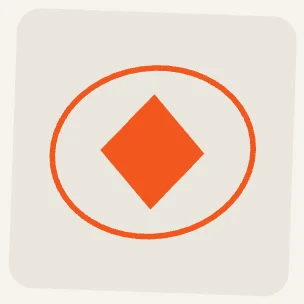
HitHit – orange, with a hand-drawn ring 
No hitNo hit – after the win, the rest steps back Scratching
Mouse, finger or pen. One stroke runs over as many fields as it touches, also over fields that open under it, and the page doesn't scroll while the finger is on the card. A field counts as open once its symbol can be seen – the rest of the foil fades by itself. A click or tap without dragging wipes a field in one go.
Reveal without scratching
The button under the card opens all fields one after the other and ends in the same win. It's there for keyboard and screen reader users, and for anyone in a hurry. Keyboard users can also tab from field to field and press Enter or Space.
The win
The third match: the rings draw, every other symbol steps back, the stub turns orange from the left, the prize rolls in, then the code and Shop now. Fields still under foil dissolve.
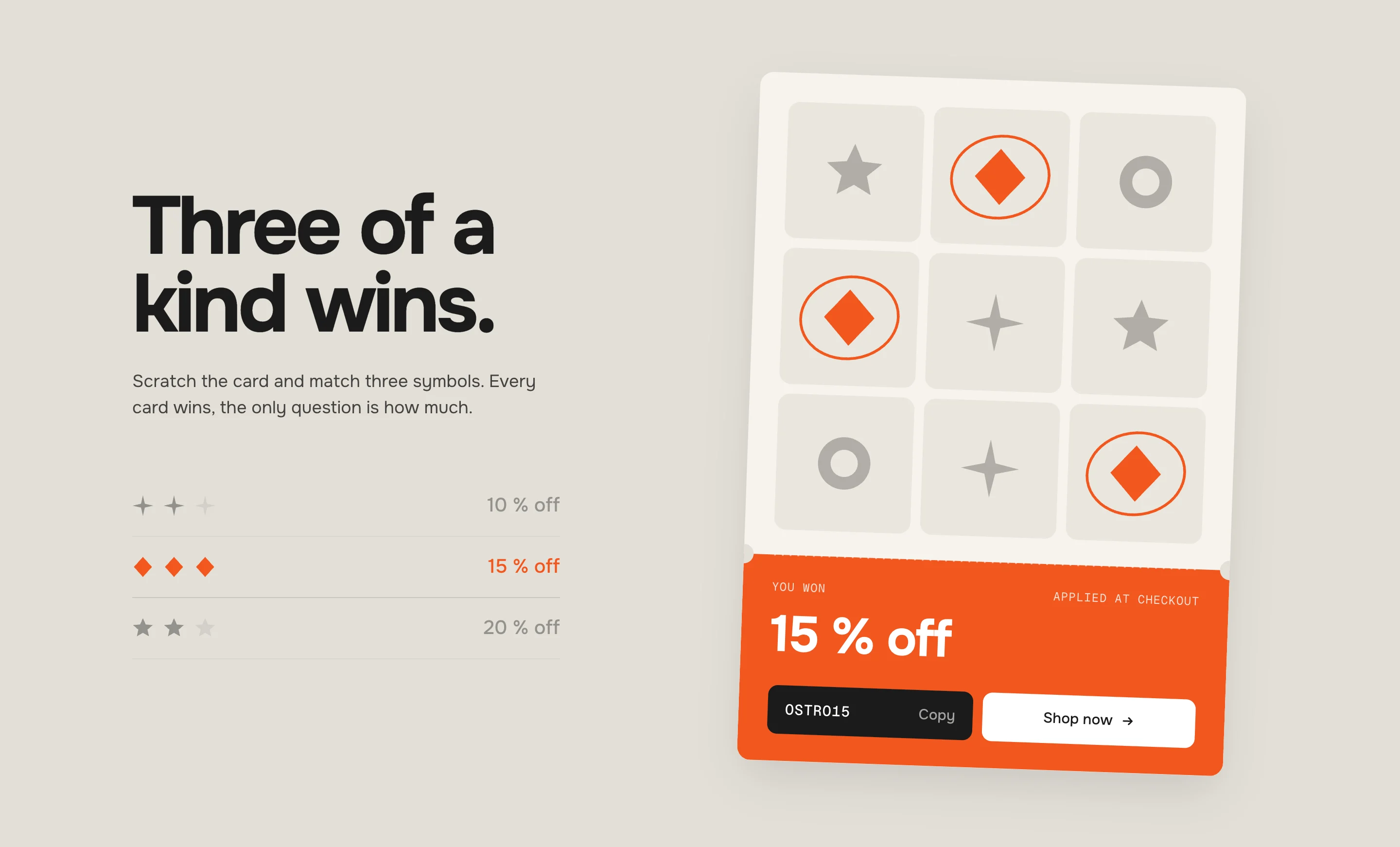
Three diamonds – 15 % off, with the code and Shop now Prize
SettingWhat it doesSymbolSparkle, Diamond, Star, Ring or Triangle. Used twice? The next free one is taken.Own imageReplaces the symbol on the card and in the listUse image as shapeOn: the picture takes the symbol color. Off: its own colorsPrizeIn the list and big on the stub, e.g. 15 % offDiscount codeExactly as in Shopify → Discounts. Empty: no code buttonChance1–10, its share of all prizes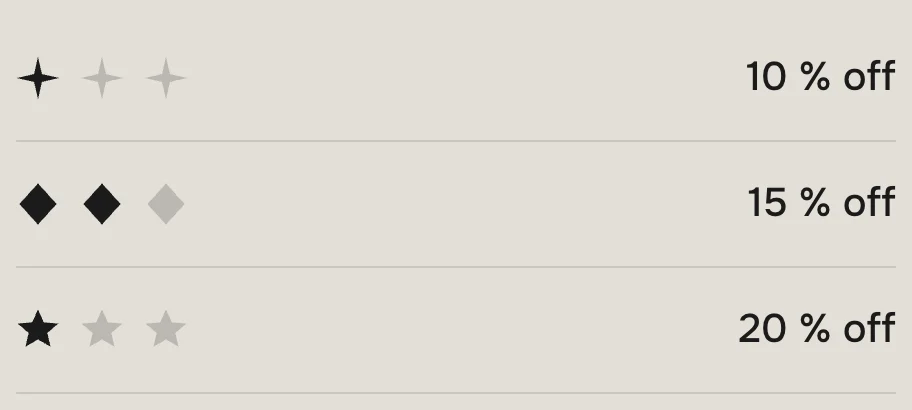
Two of three foundWhile scratching – one dark symbol per find 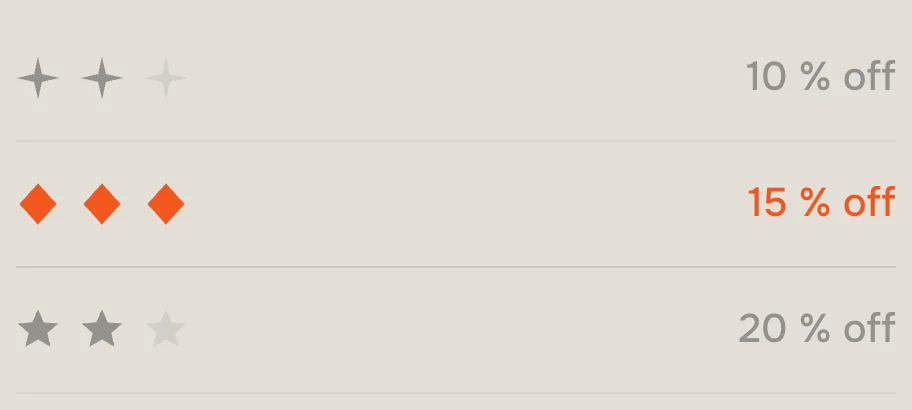
WonWon – the winning row turns orange, the rest steps back Chances
Each prize's share is its Chance divided by the sum of all chances. The preset's 5 / 3 / 2 means 50 % of cards win 10 % off, 30 % win 15 % off and 20 % win 20 % off.
Own images
A transparent PNG or an SVG, cut out and square, works best. With Use image as shape the picture becomes a silhouette in the symbol color – orange on a hit, like the symbols. Off, it keeps its own colors, and fields without a hit fade to 28 %. The hand-drawn ring comes on a hit either way. The symbols that aren't prizes still fill up the card.
Prize list
Default · OnOff: only text and card. The prizes still work, the visitor just doesn't see the list.
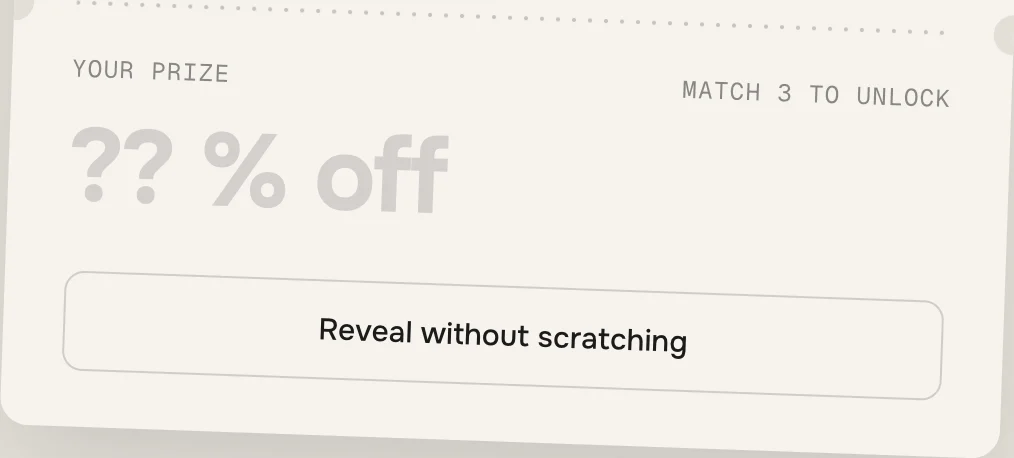
LockedBefore the win – the prize stays hidden 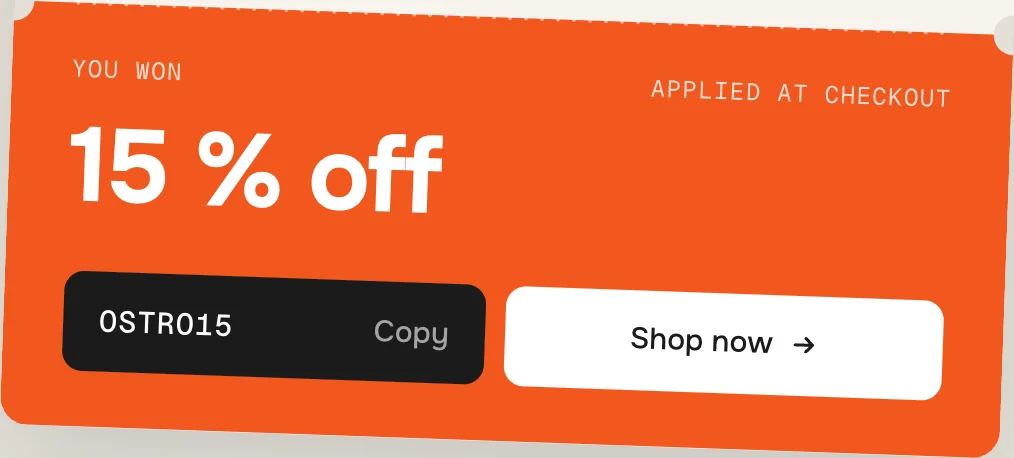
WonWon – code and Shop now 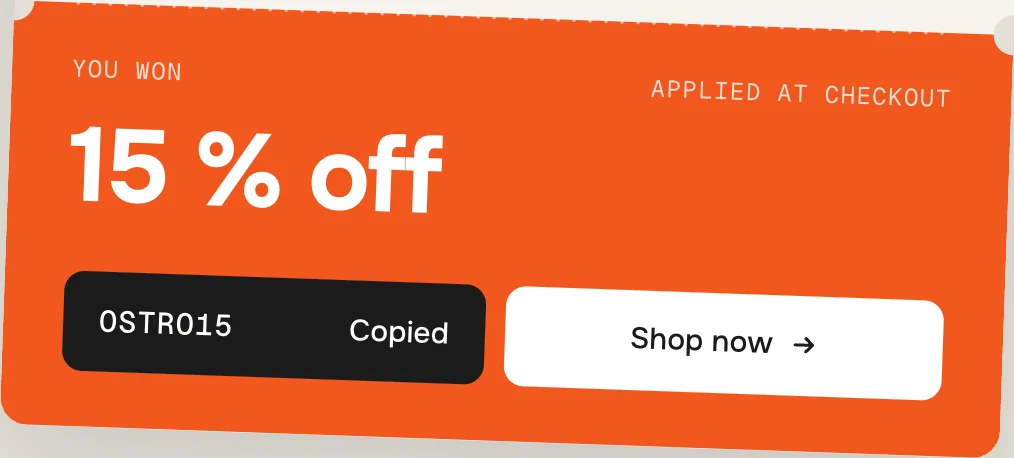
CopiedCopy – Copied for 2 seconds 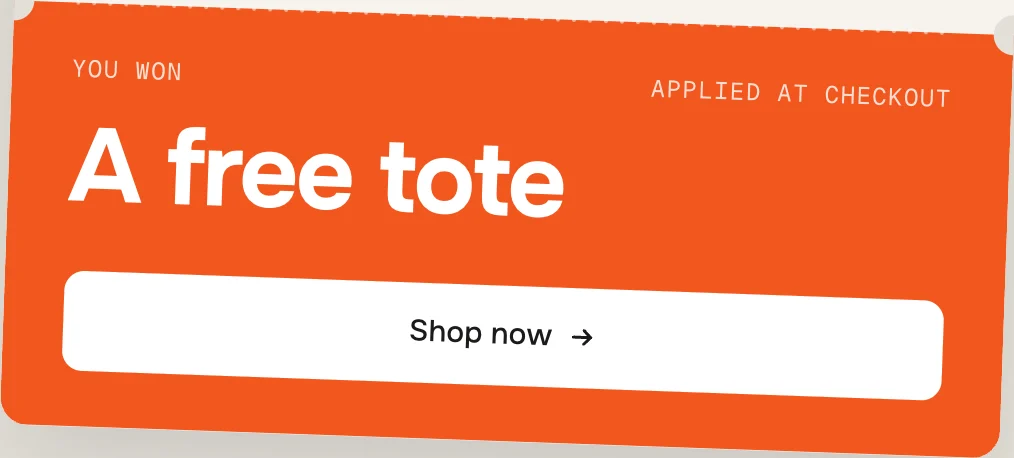
No codeA prize without code – only Shop now Copy puts the code on the clipboard. If the browser doesn't allow it, the code gets selected and the button says which keys copy it (Press ⌘C).
Shop now opens – Shopify stores the code for the checkout, so the visitor doesn't type anything, and sends them on.
“Shop now” goes to
Default · EmptyWhere Shop now goes after the code is stored – a collection, a product, the home page. Empty: all products.
Heading
Default · Three of a kind wins.Empty = hidden.
Text
Default · Scratch the card and match three symbo…Empty = hidden.
New card
Default · Never – one card per visitorWith Daily or Weekly the stub counts down to the next card.
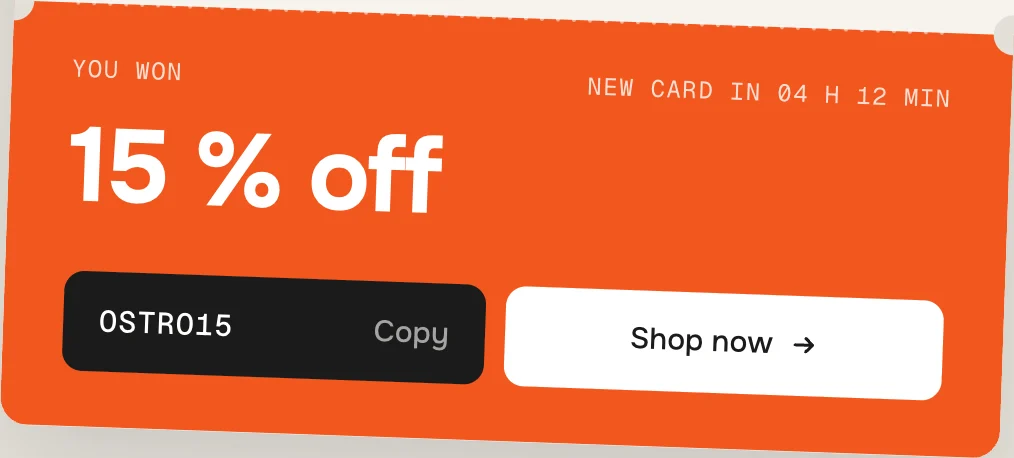
A won card with New card: Daily Tilt
Default · 2°The card lies a little crooked on desktop and tablet, like a real one. Below 750 px section width it always lies straight.
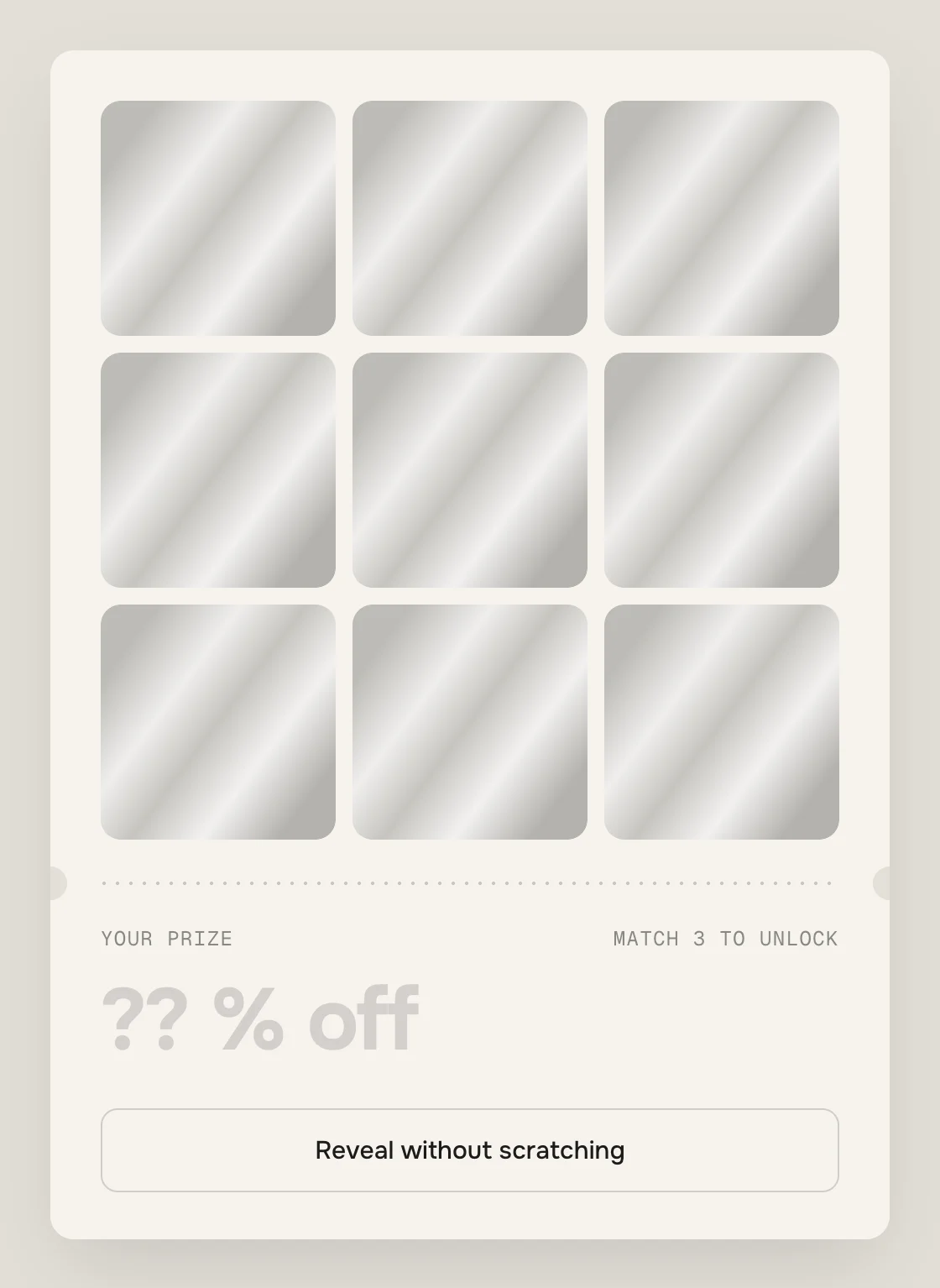
0°0° – straight 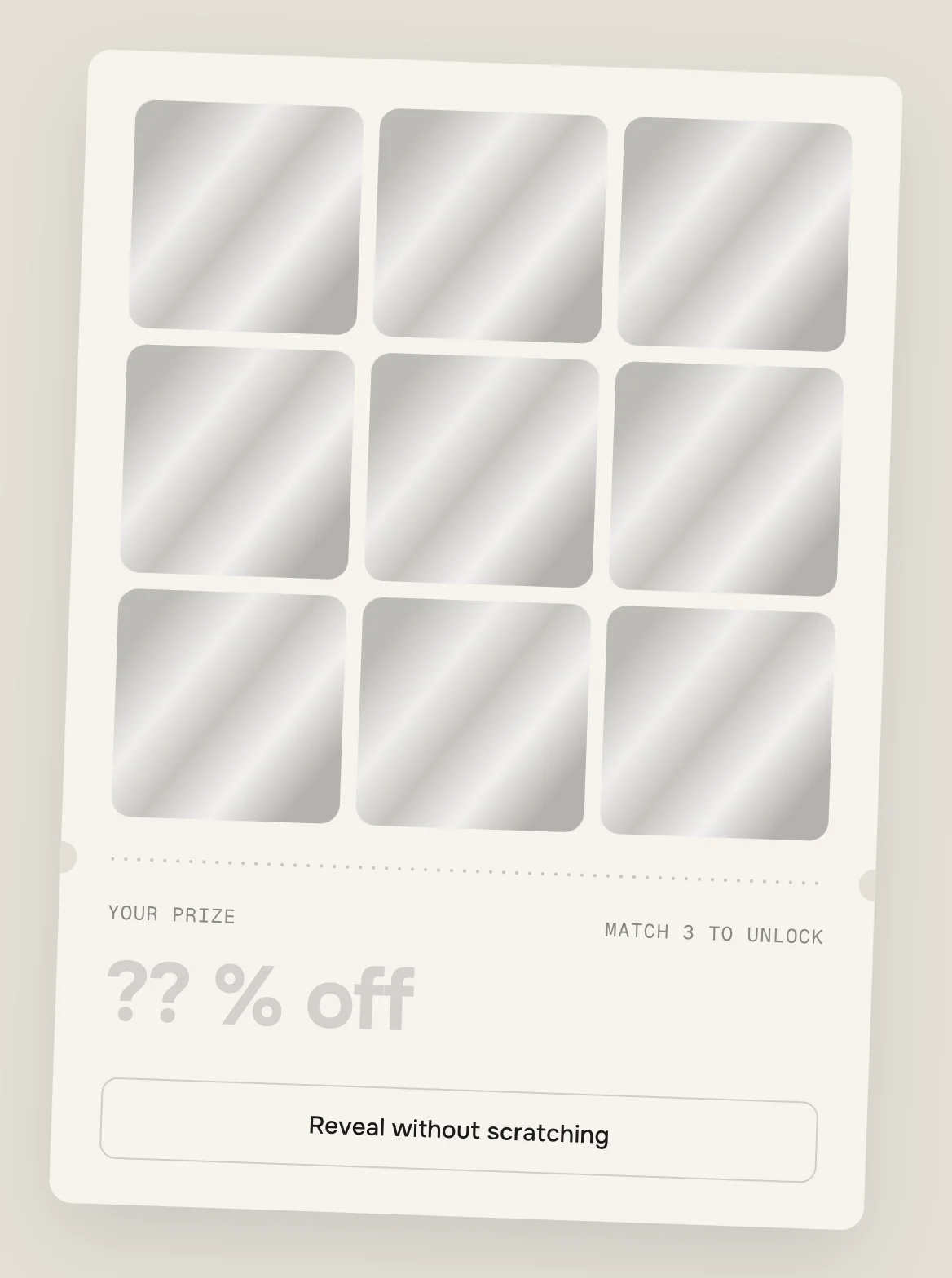
2°2° – the default 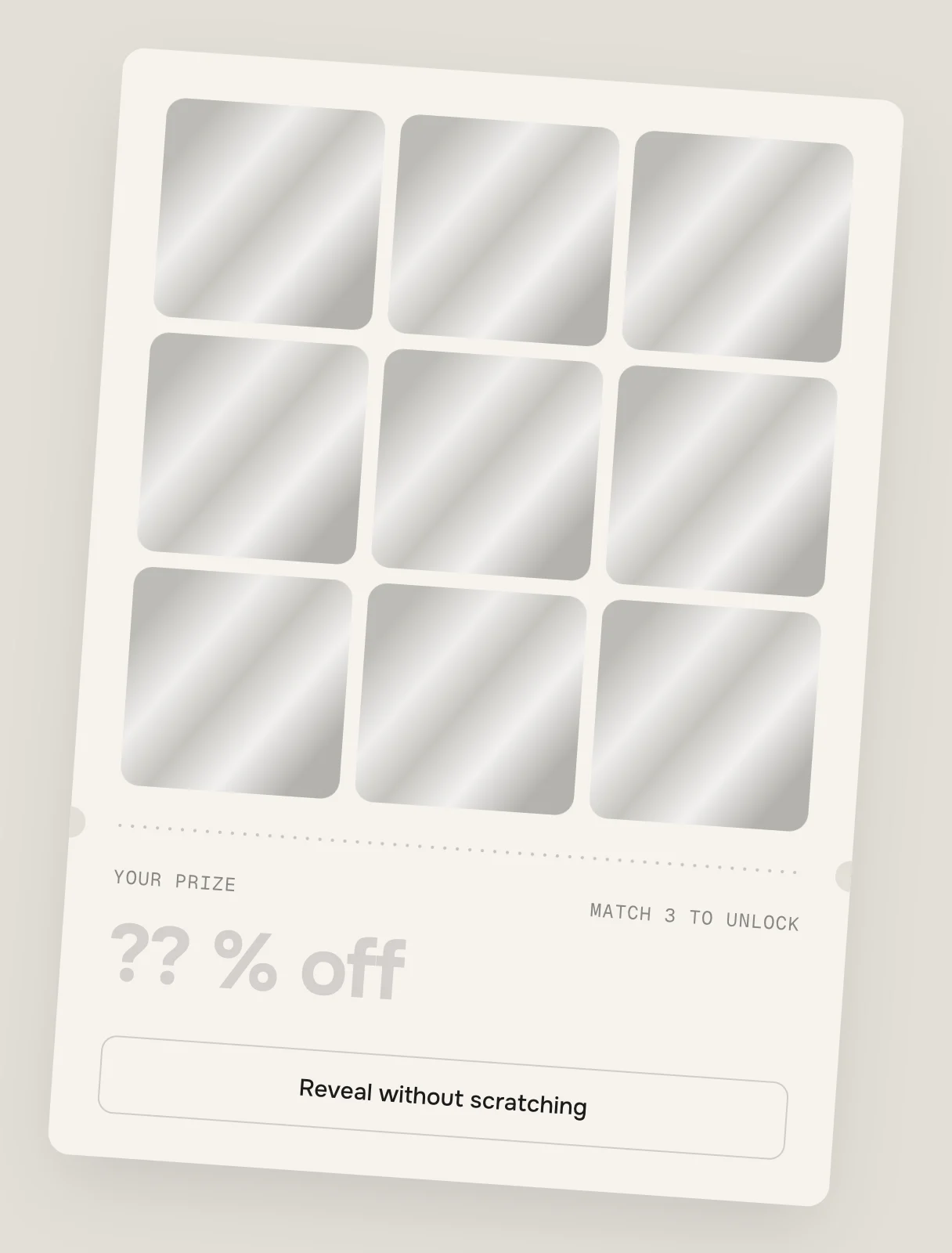
4°4° – the most Coin cursor
Default · OnOver the fields the mouse pointer becomes a coin. Touch screens never show it, and it's off with Animations off.
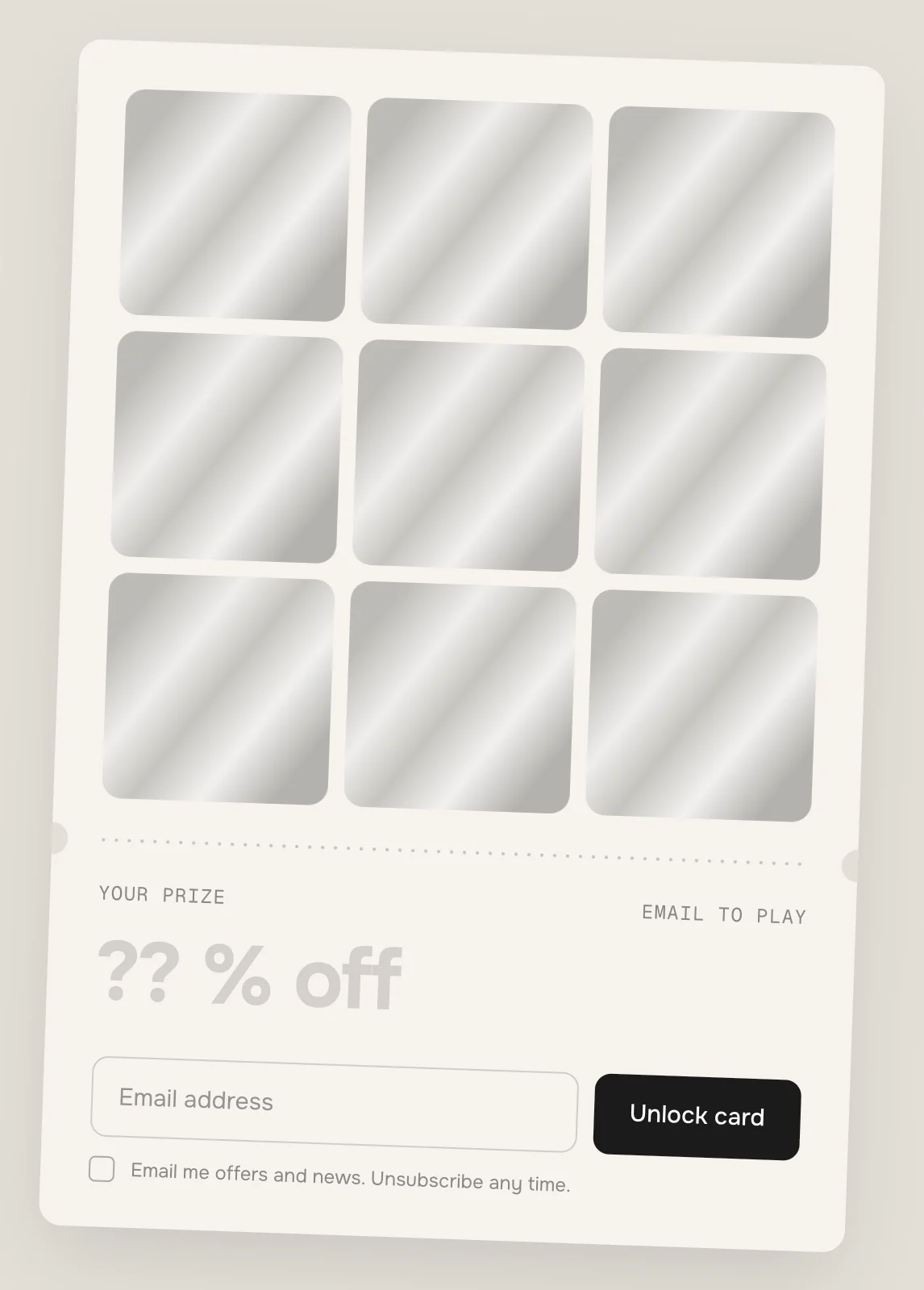
Before scratchingBefore scratching – the fields stay locked until it's sent 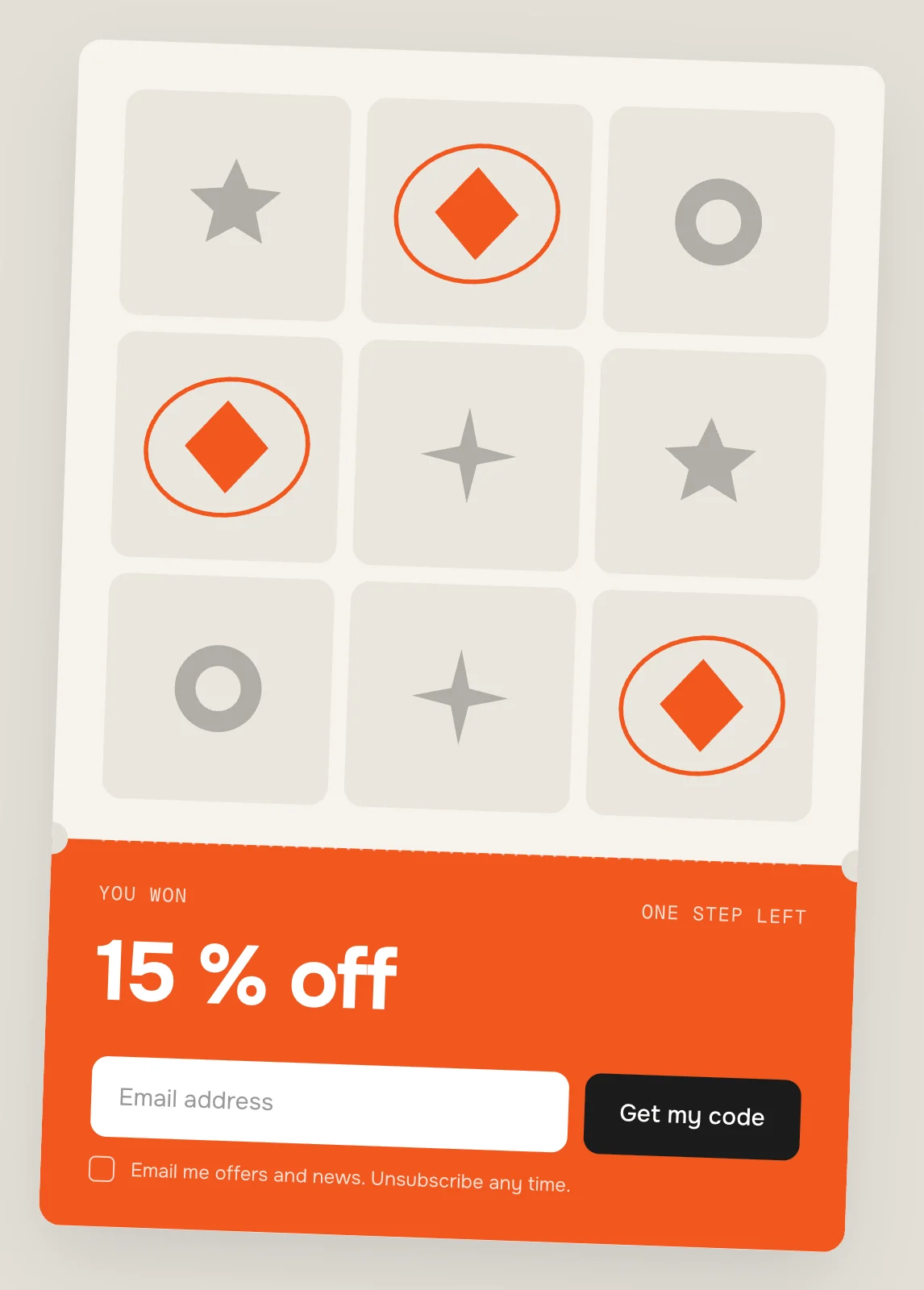
Before the codeBefore the code – the prize shows, the code comes after the email Ask for email
Default · OffEmail only, no name. Sent in the background – the card carries on right away.
Save to
Default · Customer list (newsletter)Customer list: tagged newsletter and werk-scratch-card. Contact form: the prize goes into the message.
Consent
Default · Email me offers and news. Unsubscribe …The tick box is required. Link your privacy policy here.
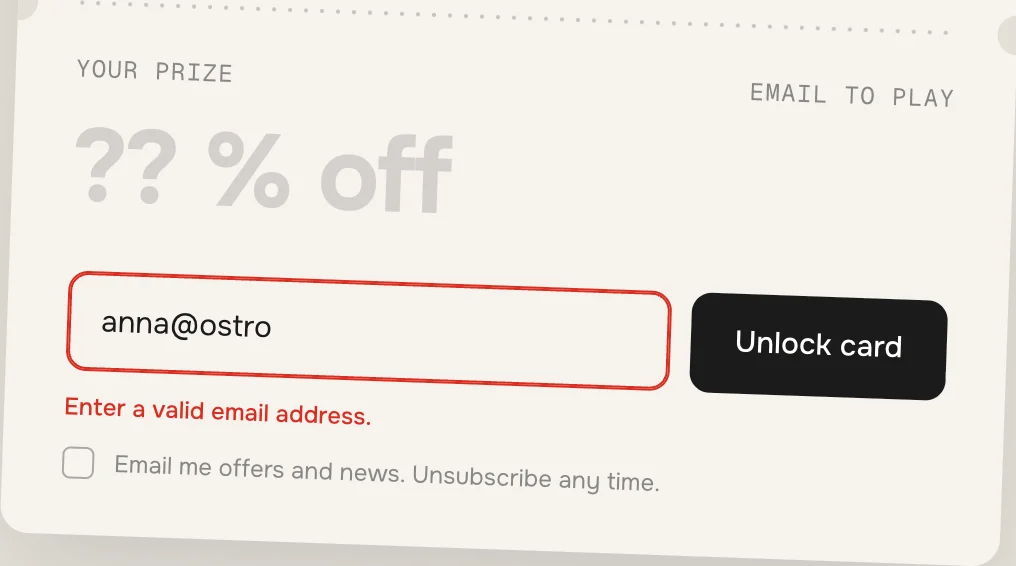
A wrong format: the error under the field, the field outlined. A missing tick says so and outlines the box After sending
The form is sent in the background – the page stays where it is and the card carries on right away: unlocked before scratching, or with the code before the code. If Shopify turns the form down, its own reason shows under the field (e.g. that the address is taken). Shopify protects the form with an invisible bot check (hCaptcha); it runs before sending and only shows a small puzzle to visitors it doubts. If the check can't run, the page sends the form the normal way, reloads once and scrolls back to the card.
- [n]The field's number, for screen readersField [n] of 9Field 3 of 9[time]Time until the next cardNew card in [time]New card in 6 d 04 h[key]The keys that copy, on Mac or PCPress [key]Press ⌘C
Fonts
Default · Design fontsOnest and Geist Mono from werk's CDN – or Use theme fonts, which swaps both at once. Or swap each one with its own URL: Self-hosted font URL replaces Onest, Label font URL replaces Geist Mono (the small labels and the code). Empty keeps werk's font.
Colors
Default · Design colorsBackground, text, card, field, foil and accent. The foil's shine is worked out from Foil, lighter and darker. Accent colours the hits, the rings and the stub after the win. Use theme colors takes the text and background of the page around the section; card and fields follow from them. Button and Button text give Shop now and the form button their own colours – empty keeps the design (Shop now white, form button ink).
Buttons
Default · CleanUse theme buttons gives Shop now, Unlock card and Get my code your theme's style. Button style sets how they react on hover. Copy and Reveal keep their look.
Animations & easing
Default · On · werk SignatureThe coin, the crumbs, the glint on the foil, the rings, the stub turning and the prize rolling in. With Animations off – or for visitors who turned on “reduce motion” – the card opens without movement. Scratching works either way. Easing sets the feel of every movement.
werk SignatureSlow start, soft landing SmoothEven and quiet BounceA small overshoot SnapQuick start, gentle stop GlideSlow in, slow out Padding top
Default · 72pxSide padding
Default · Match themeMatch theme (the default) lines the section up with your theme's page margin – in Horizon the same edge as header and footer. On desktop text and card keep the design's width and sit in the middle, so a narrow margin doesn't pull them apart. werk default always uses the werk edge, Custom takes your own values in px (desktop and tablets / phones), None runs the content to the edge on tablets and phones.
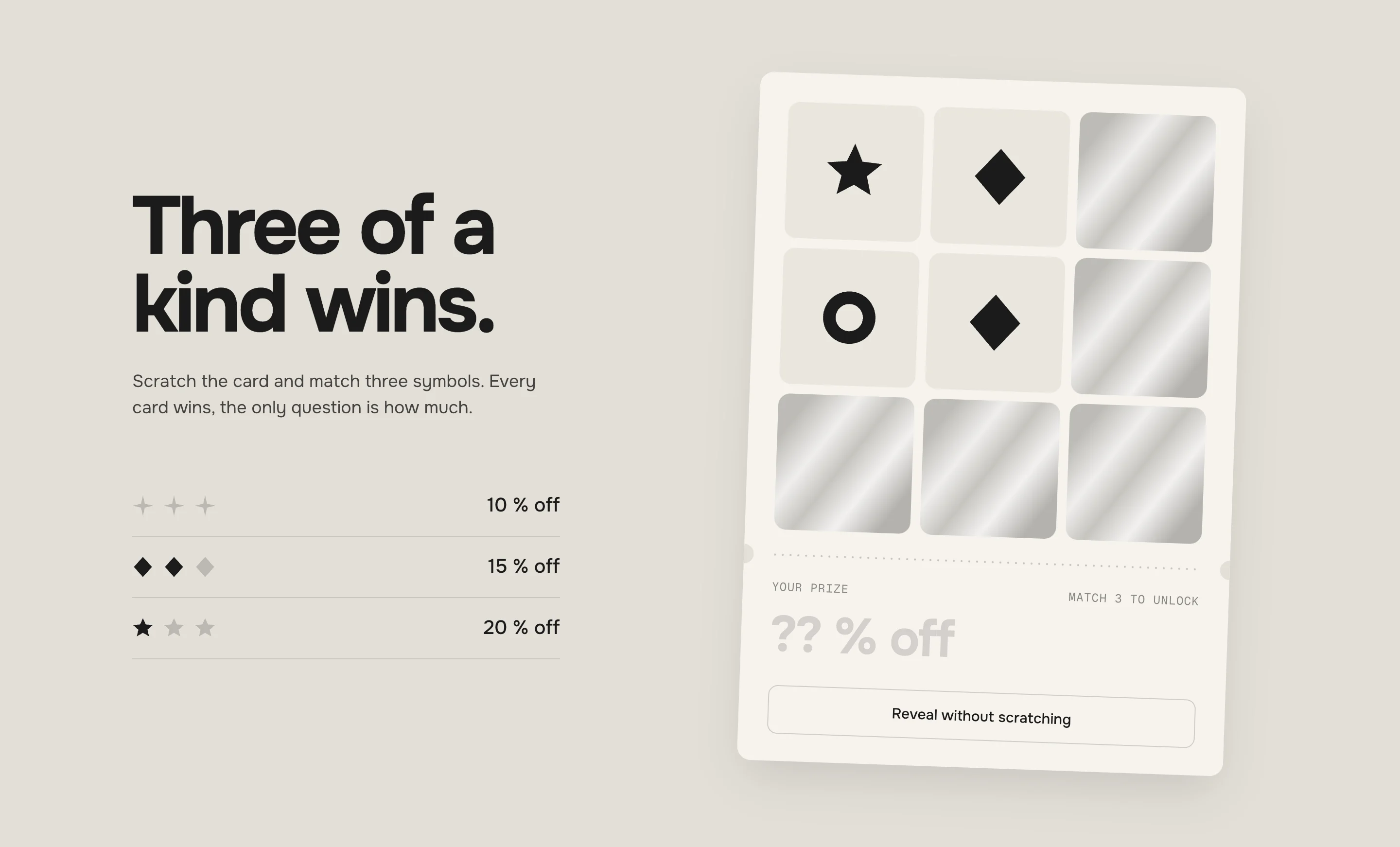
Desktop 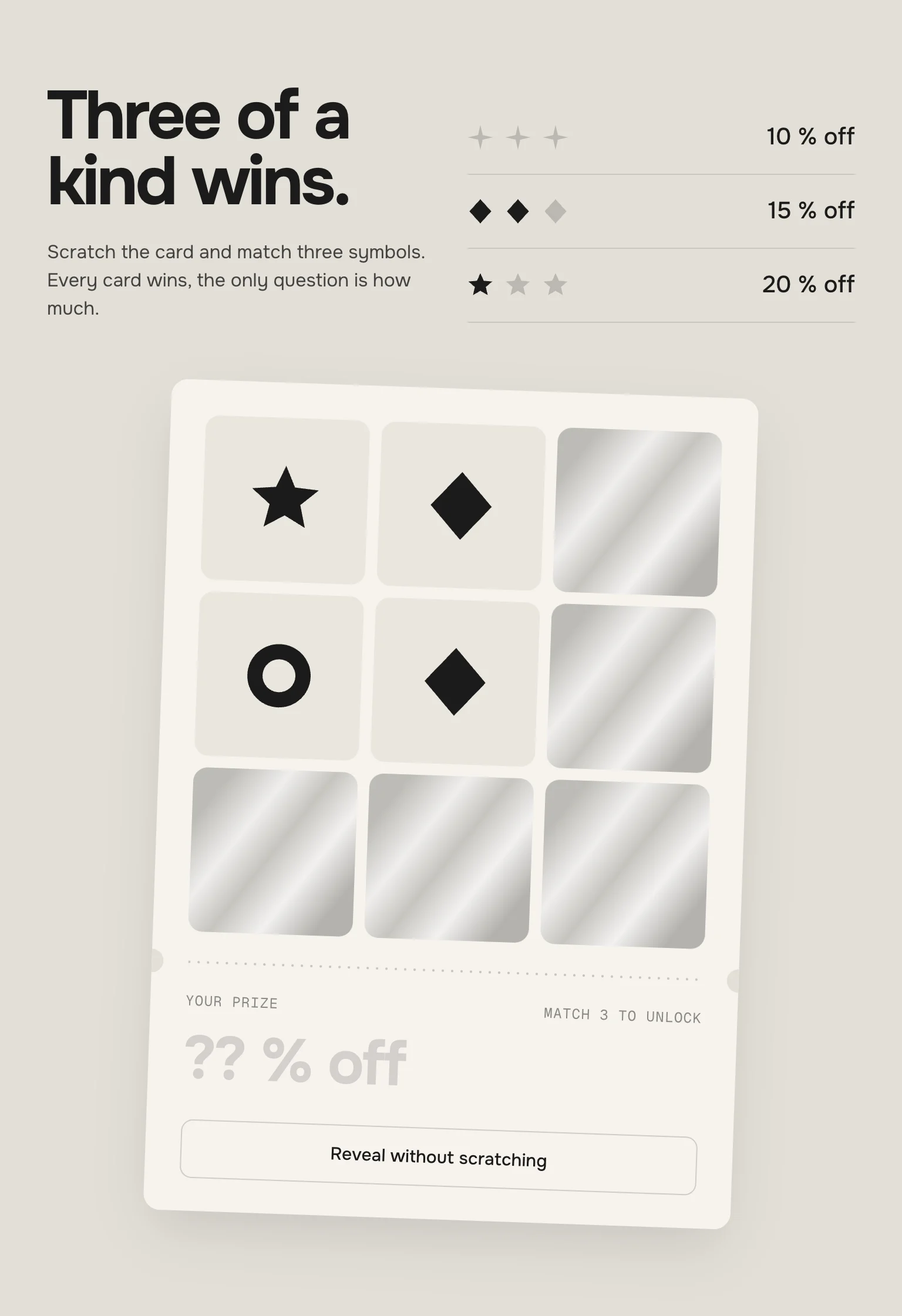
Tablet 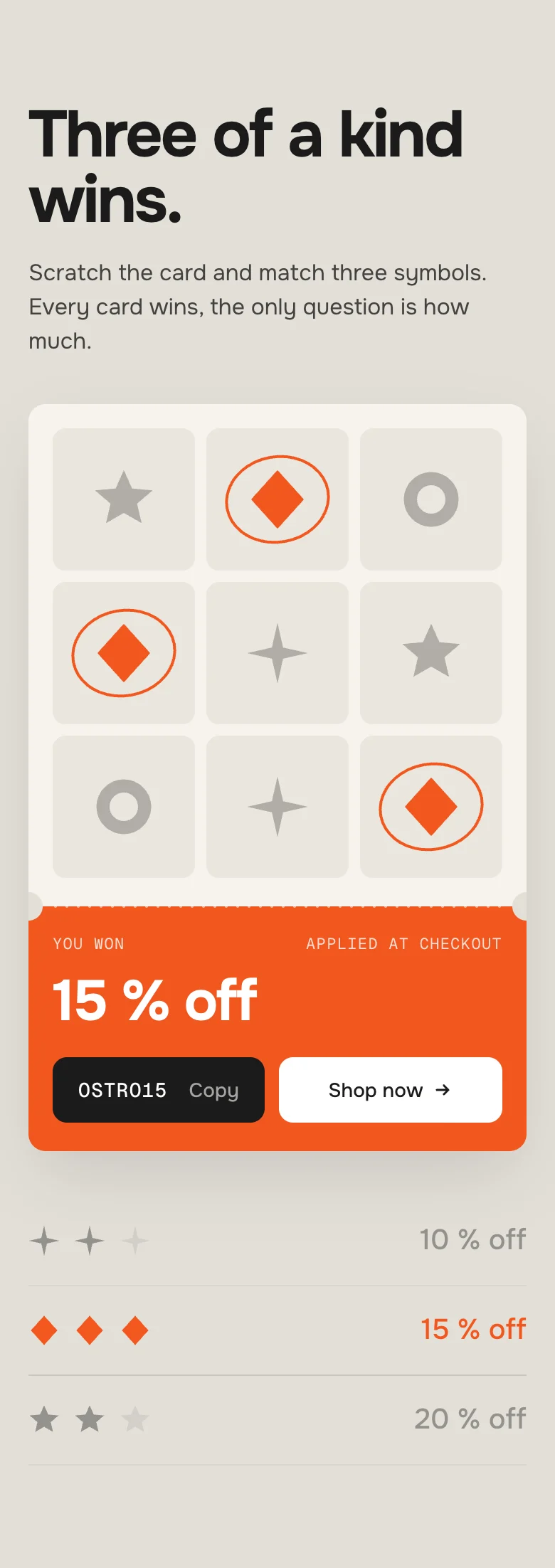
Phone · won DesktopTabletPhoneText & prize listLeft, the card rightSide by side, the card belowText, card, then the listCardTiltedTiltedStraight, full widthCoinWith a mouseWith a mouseNeverA long codeNext to Shop nowNext to Shop nowAbove Shop now when it doesn't fitThe card is remembered
Which prize, which fields are open, the number – kept in the visitor's browser, per section. On another device they get a new card. Nothing is stored on your side.
Codes are in the page
Every prize's code is in the page source and the same for everyone who wins it, and a visitor who clears their browser gets a new card. Limit the codes in Shopify (once per customer, an end date) – unique codes per visitor need an app.
Two cards on one page
Each section draws its own card and remembers it on its own.
AI label
Using an AI-generated picture as a prize? Switch on AI label under that picture and pick a corner. On the card the pictures are small, so it shows as the (i). The text and the look are set once for the whole section, under AI label.
Horizon4.2TestedShowroom and test page in the demo storeDawn16TestedSame section, Dawn's page marginThe code doesn't work at checkout.
The section only shows it. Create the code under Discounts with exactly the same text, and check its start and end date and its conditions.
I tested the card and now it stays finished.
The card is remembered in the browser. Open the page in a private window, or set New card to Daily. In the theme editor nothing is remembered.
Two prizes show the same symbol.
They can't: a symbol that's taken already moves on to the next free one. Pick different symbols so the list reads the way you want.
My own picture shows as a square.
With Use image as shape the picture is used as a silhouette – a photo with a background is a square. Use a cut-out PNG or an SVG, or switch Use image as shape off.
The email form shows an error with a correct address.
The text under the field says why: the tick box is required (Tick the box to continue), or Shopify's own reason after sending – check Settings → Customer privacy and your customer accounts.
- NewFirst stable release. Same code as 0.1.0, plus the docs, the showroom page and the preview videos. Tested in Horizon and Dawn, including a real email sign-up through Shopify's bot check.
* Built for Online Store 2.0 and tested in Shopify's Horizon and Dawn themes. Heavily customised or older themes can still clash with it – if something looks off, write us and we'll take a look.